IG Hashtag Module
![Instagram hashtag 模組]()

The Instagram Hashtag Module makes it easy to run photo and video submission campaigns right inside Instagram.
Just ask fans to add your branded hashtag and mention (@) your business account in their Instagram posts. Our task bot instantly pulls each post's thumbnail into your Feversocial Dashboard, so you can manage entries and pick winners directly.

Why run an Instagram hashtag campaign?
Instagram is one of the most-used social platforms among younger audiences—not just for staying in touch with friends, but increasingly as a source of new information. People used to turn to Google for birthday-dinner spots or travel ideas; now Instagram's visual format and searchable, clickable hashtags are shifting how people search and browse. It's becoming a new kind of SEO channel.
When a brand runs a #hashtag campaign, it generates more branded content and reaches more of its target audience and potential customers. Because each post tags your business account, viewers can click straight through to your profile—instantly shortening the distance to new followers.
Features
The setup screen doubles as your entry instructions
Connect your brand's Instagram business account in the dashboard, then fill in the WYSIWYG setup screens step by step—no scripting required. Your entry flow is ready to go.
Set the campaign hashtag participants must use in their Instagram posts, plus the official account they need to @mention.
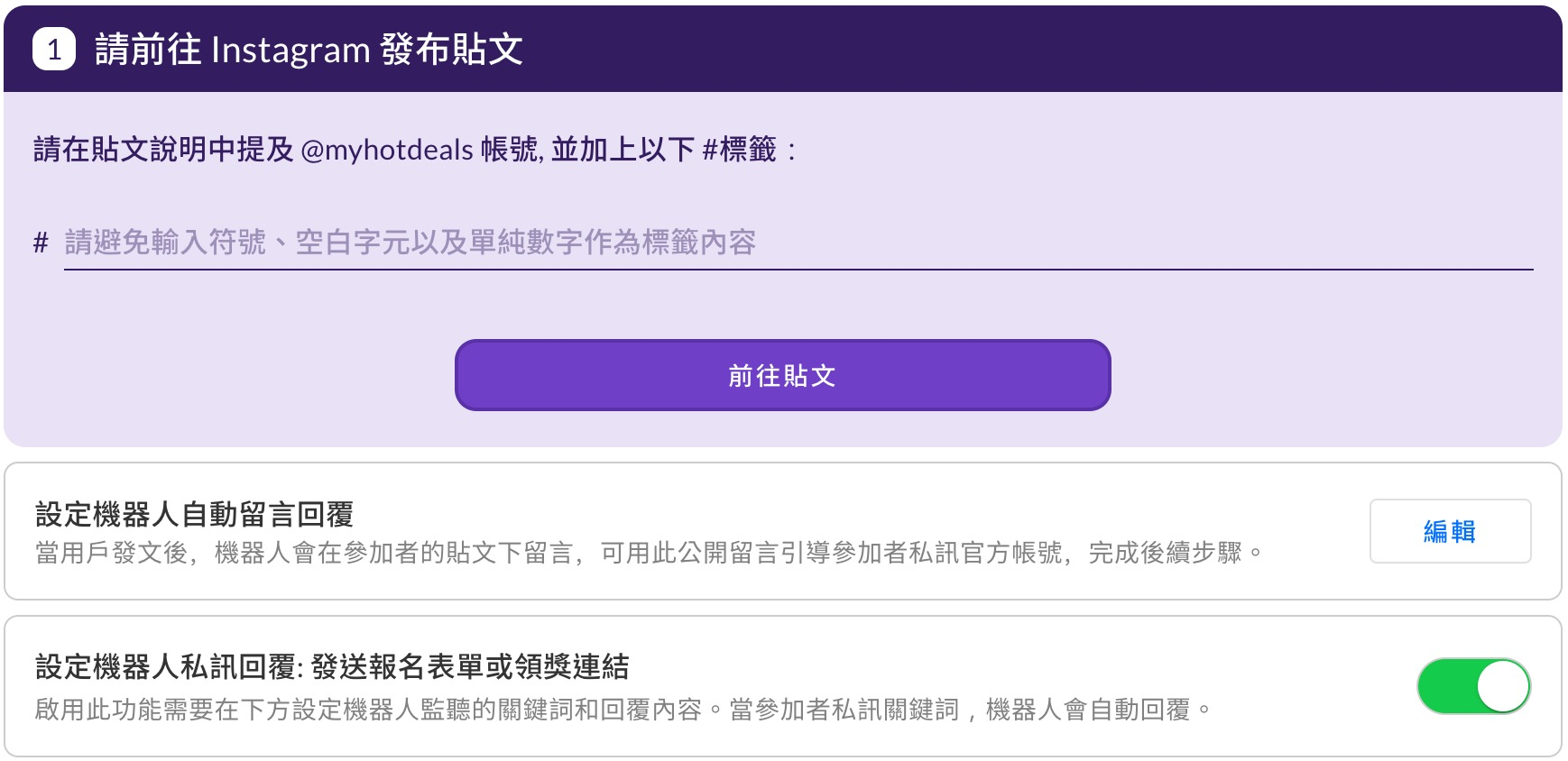
* Entry eligibility: you can require multiple hashtags per post.
* If you're only collecting hashtag posts with no follow-up entry or prize step, you don't need to turn on the DM auto-reply.
Set up the bot's auto-reply comment on qualifying posts, inviting participants to DM you to continue.
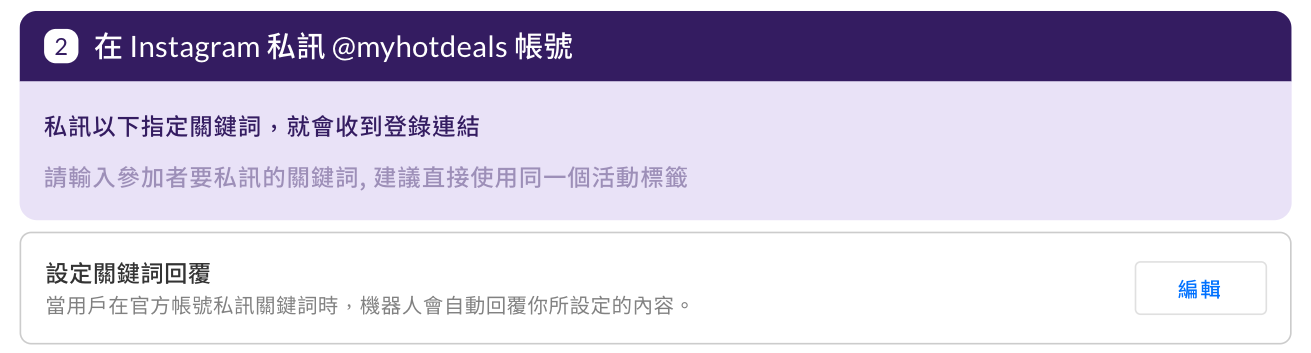
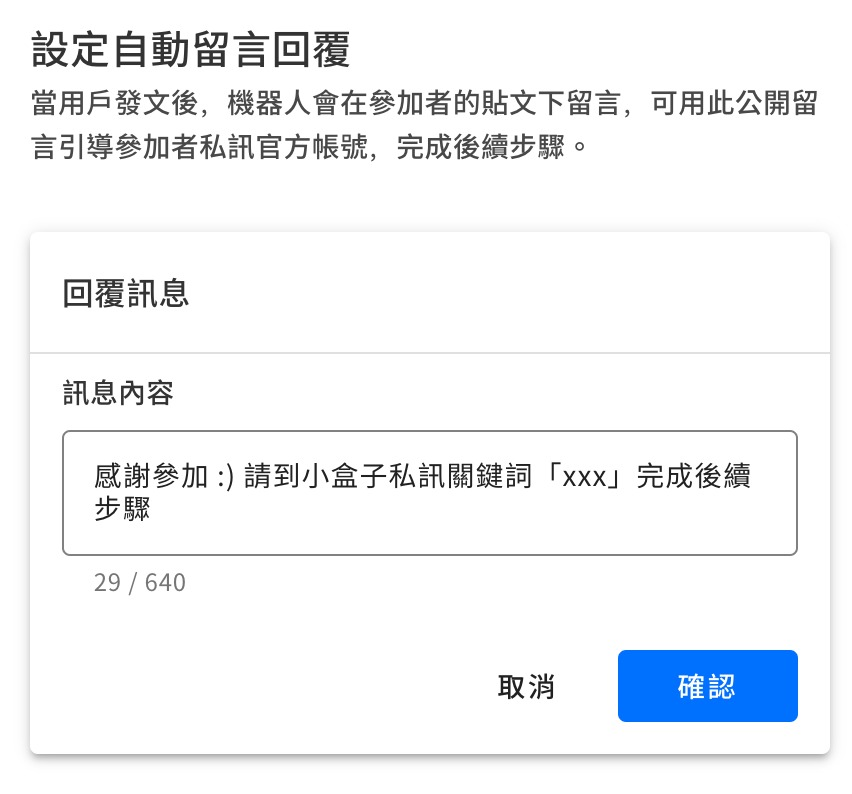
* Keywords don't need a # symbol.
Set the keyword posters should DM your official account—this keyword triggers the bot's auto-reply with the prize link.
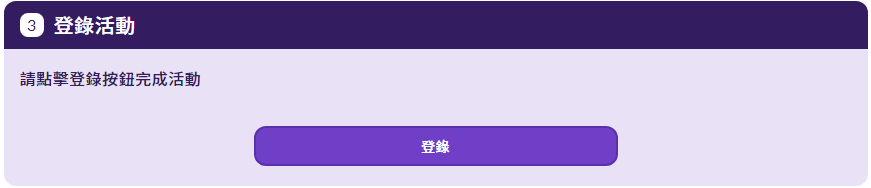
Automatically collect every qualifying post
When a fan posts content that meets your campaign criteria, the system automatically pulls it into your gallery page. Posts can be photos, videos, or multi-image carousels, and each one gets its own URL so visitors can click through for a closer look. Admins can also review submissions before they go live.
After the campaign ends, turn the page into an evergreen page—all that photo and text content keeps working for your SEO.
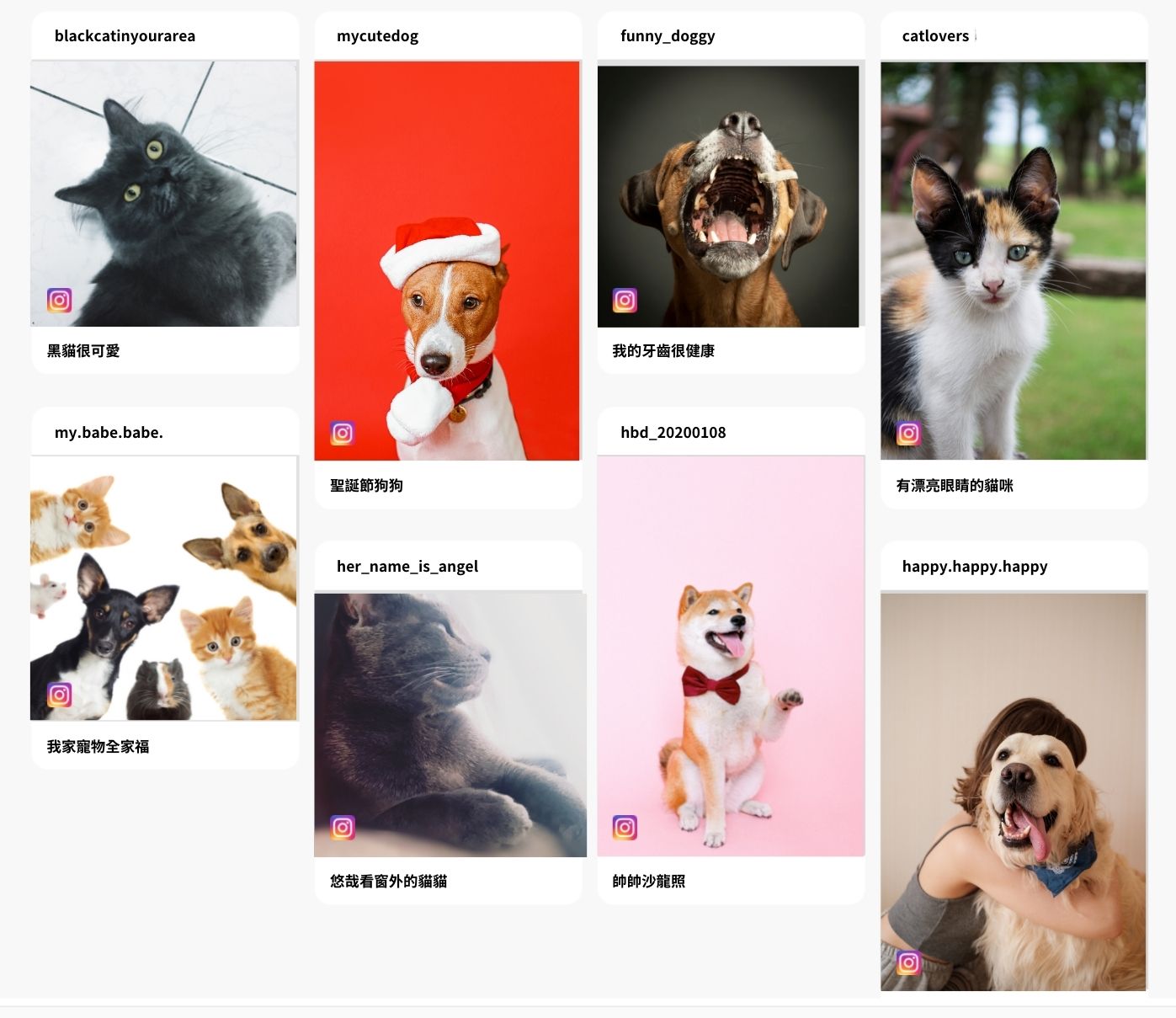
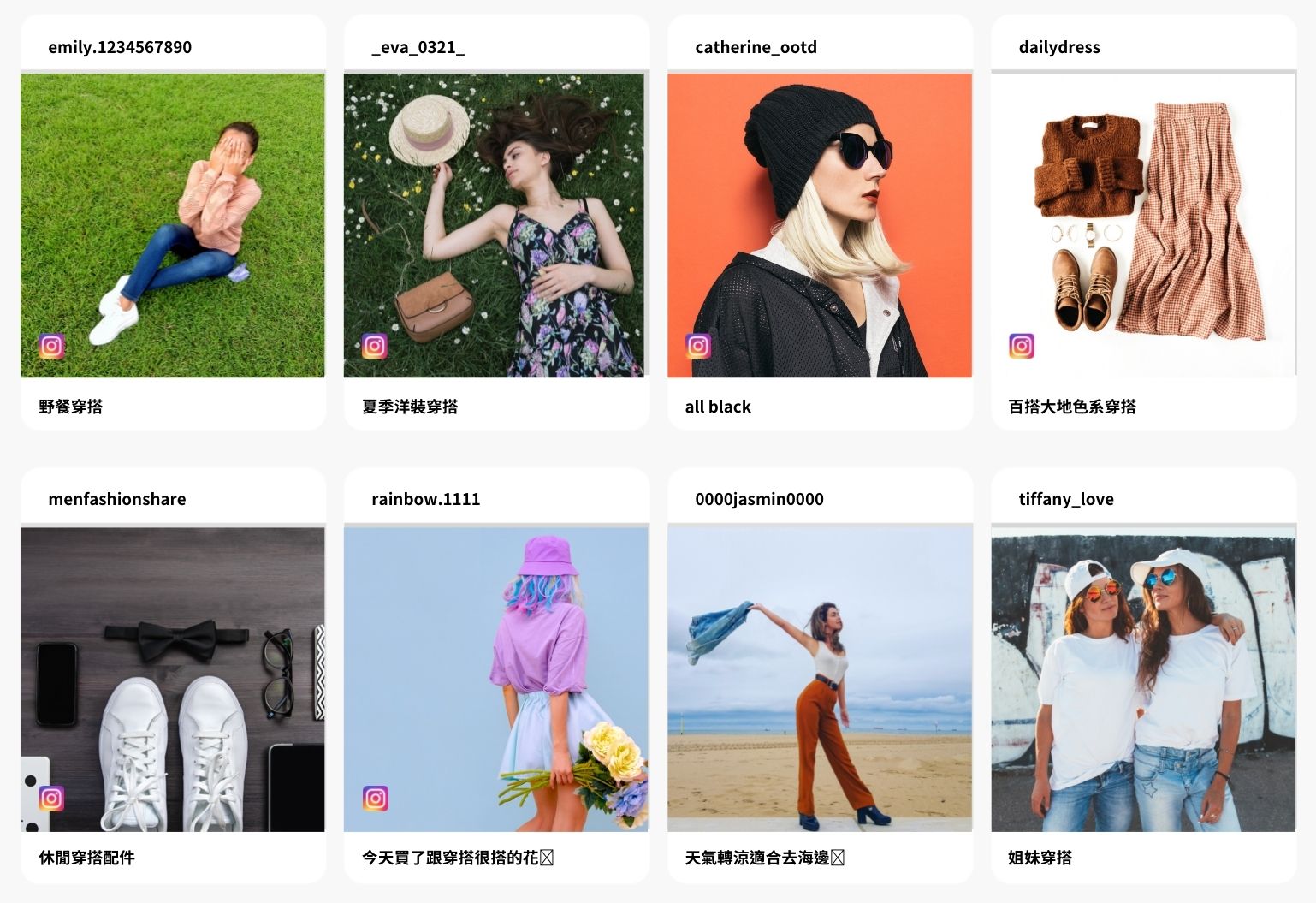
The gallery supports two display styles:
Original aspect ratio
Square crop
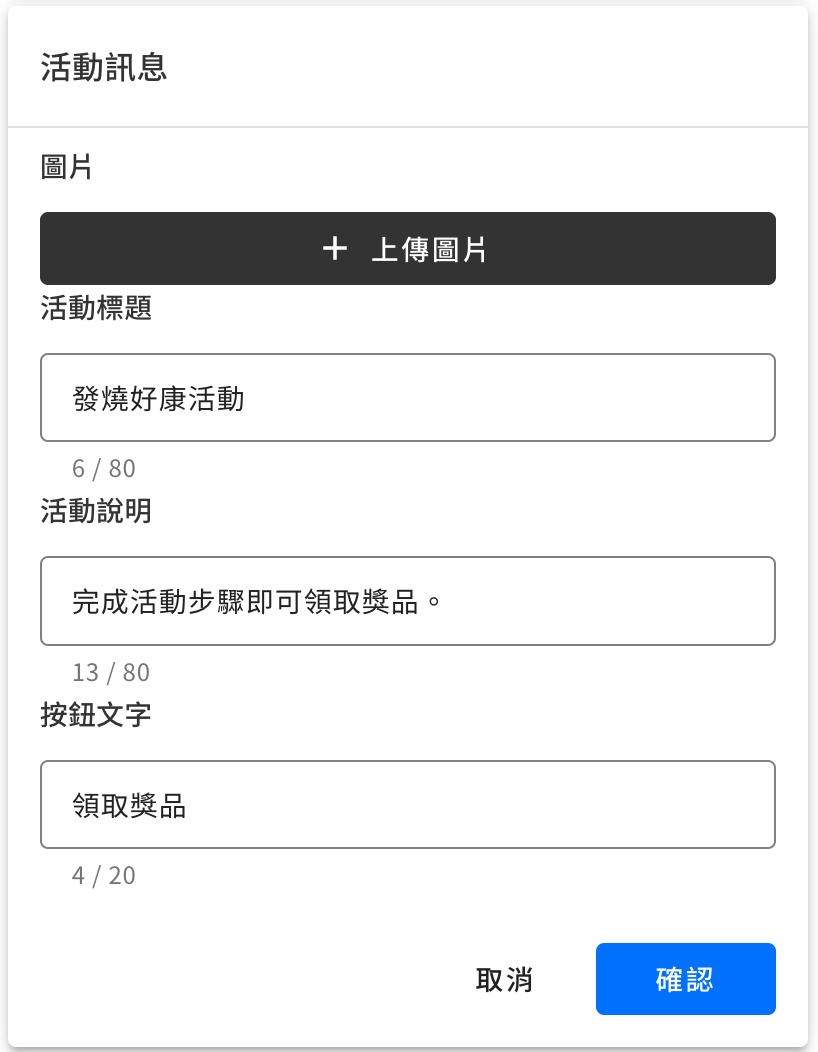
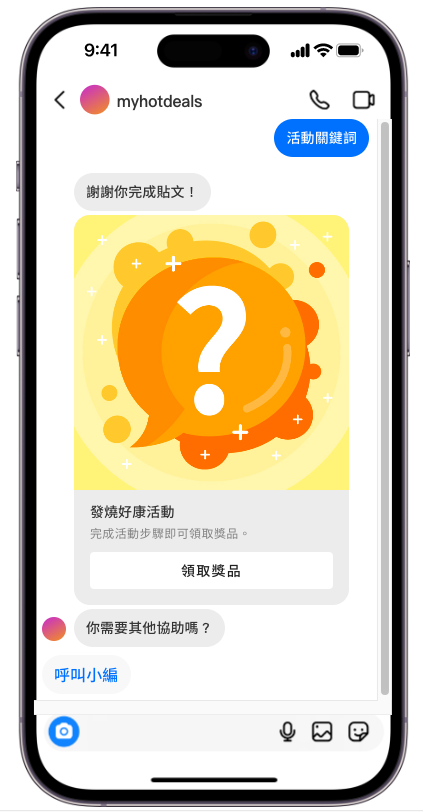
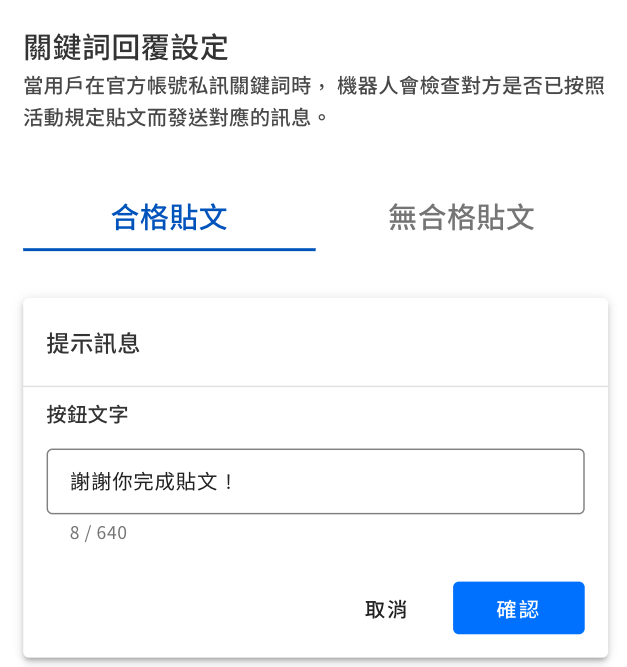
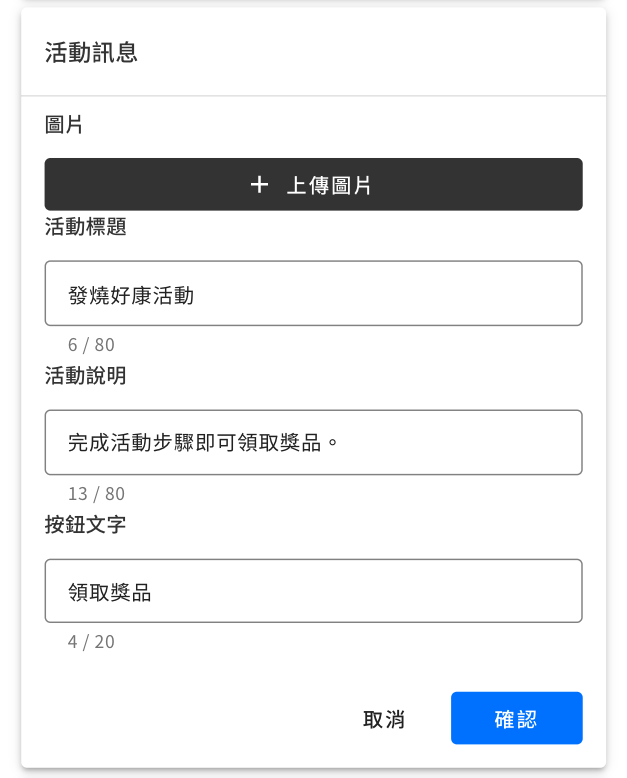
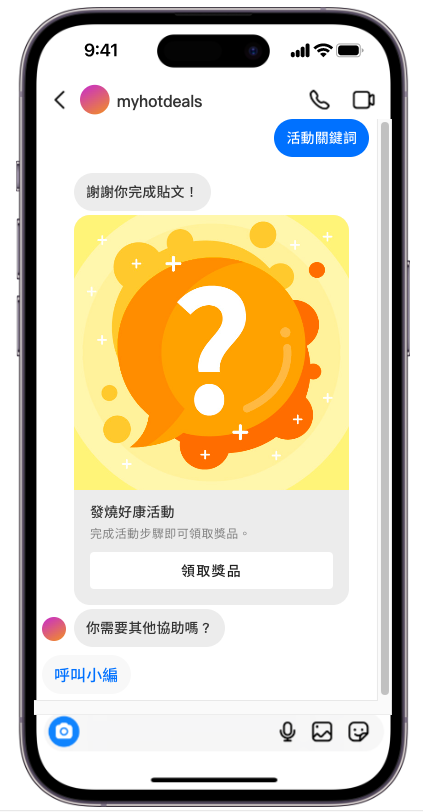
Customize DM replies with eye-catching image cards
Write every bot reply in your own brand voice, weaving in product details for comments and DMs that sound like you.
Ditch plain text and bare links—pair your messages with designed images and buttons for a richer visual experience that drives more conversions.
Pair it with instant-win games to boost entries
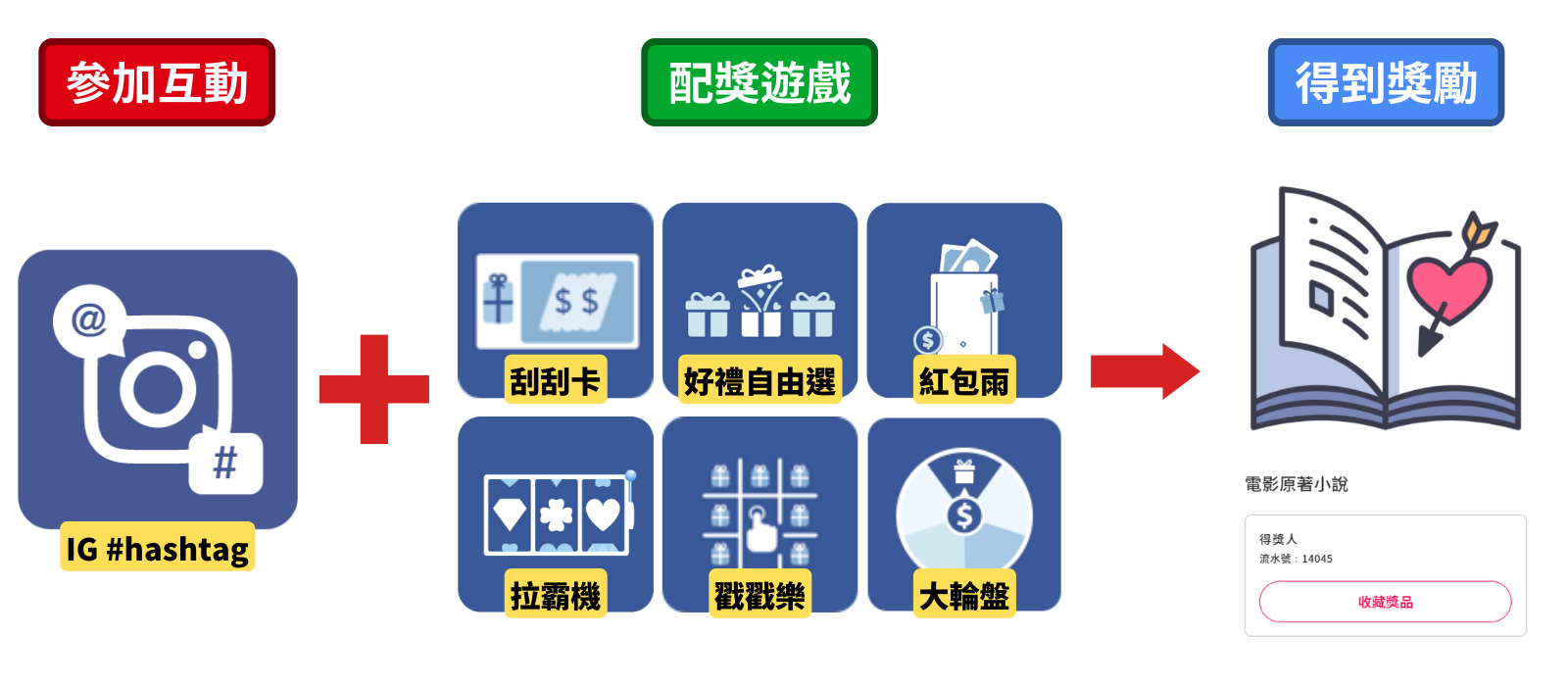
Like every module on Feversocial, the Instagram Hashtag Module works with any prize game. Where IG campaigns used to mean a single draw at the end, Feversocial's bot can DM prize links to participants instantly—so you can reward everyone in real time and run an "everybody wins" campaign right inside Instagram.
Prizes can also combine store discount codes, credit, or in-store vouchers—turning a simple giveaway into a new path to conversion.
Every prize type, from e-commerce to in-store
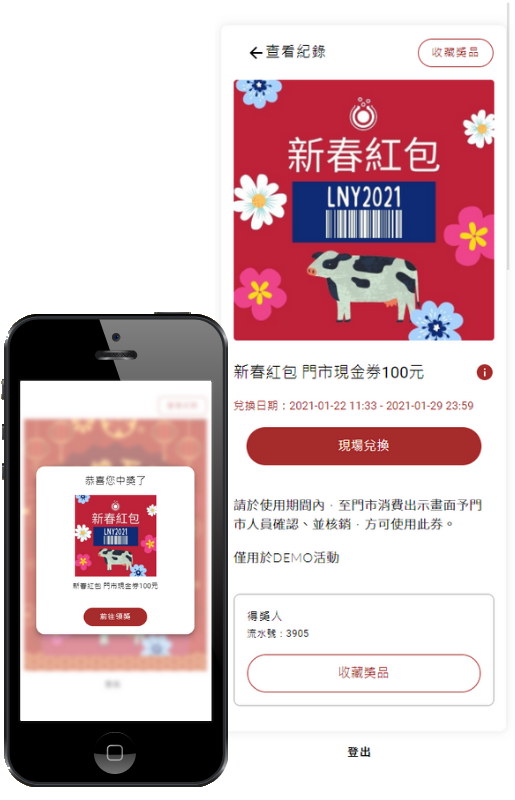
Mix and match prize types to fit your use case: shipped merchandise, O2O in-store redemption vouchers, online e-commerce discount codes, or unique passcodes. In-store redemption generates a QR code your staff can scan at checkout. If your online store accepts passcodes, you can set a redemption URL right in the coupon settings. For shipped prizes, use a customizable winner form to collect the details you need.
Coupons can expire X days after being issued, adding urgency to redeem.
IG Hashtag Module use cases
Use UGC to find your most loyal customers
Create a lifestyle hashtag that feels like a natural fit for your brand, so fans don't hesitate to tag their posts with it. This approach attracts fans who already care about your brand and share its values—and these engaged participants become your core audience for everything you do next.
Example scenario:
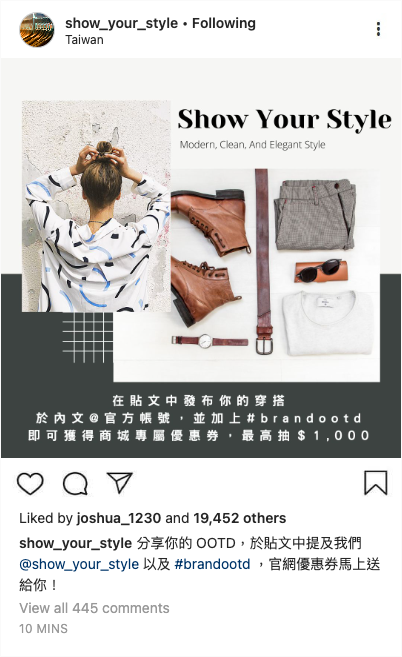
Say you run an apparel brand. You create a #brandootd hashtag and run an always-on social campaign inviting fans to post outfit photos featuring your products. It helps you find superfans, and pairing it with a coupon rewards their sharing in real time.
How it works
Your official account posts the campaign details
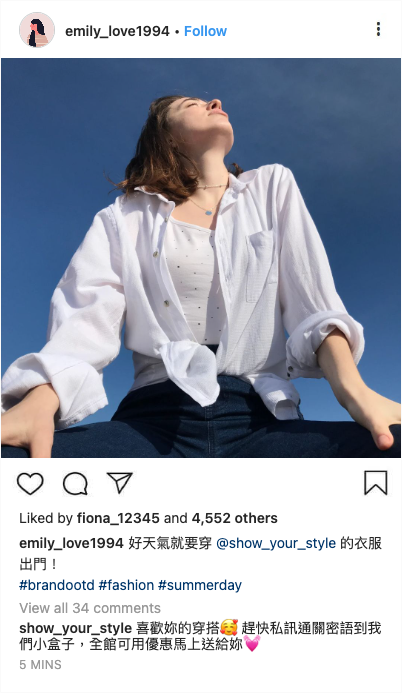
Fans post the required content to meet the entry criteria, and the bot detects it and auto-replies
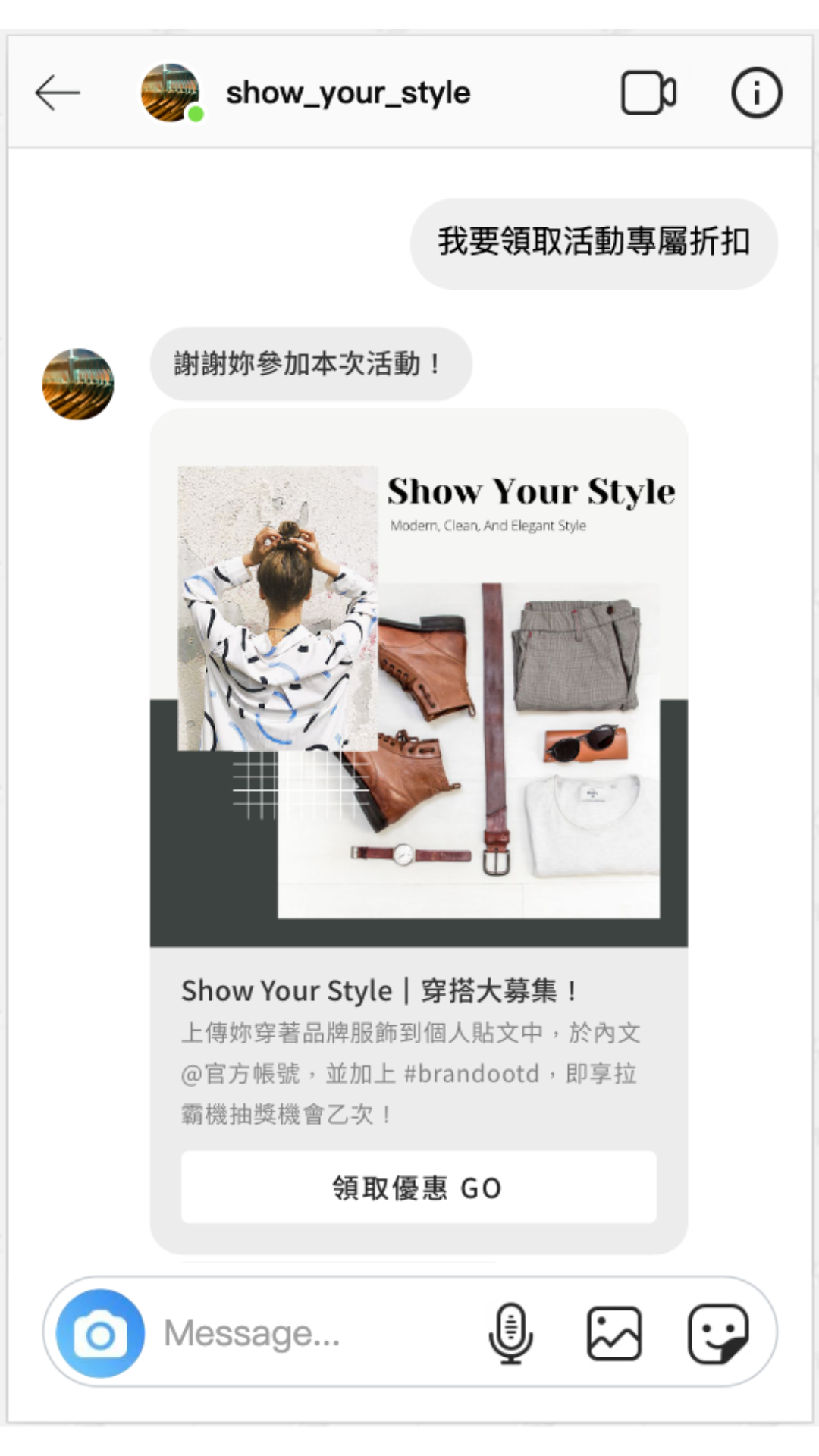
Fans DM the keyword to your official account, and the bot replies automatically
Fans tap to claim their offer, fill out the winner form, and receive their coupon
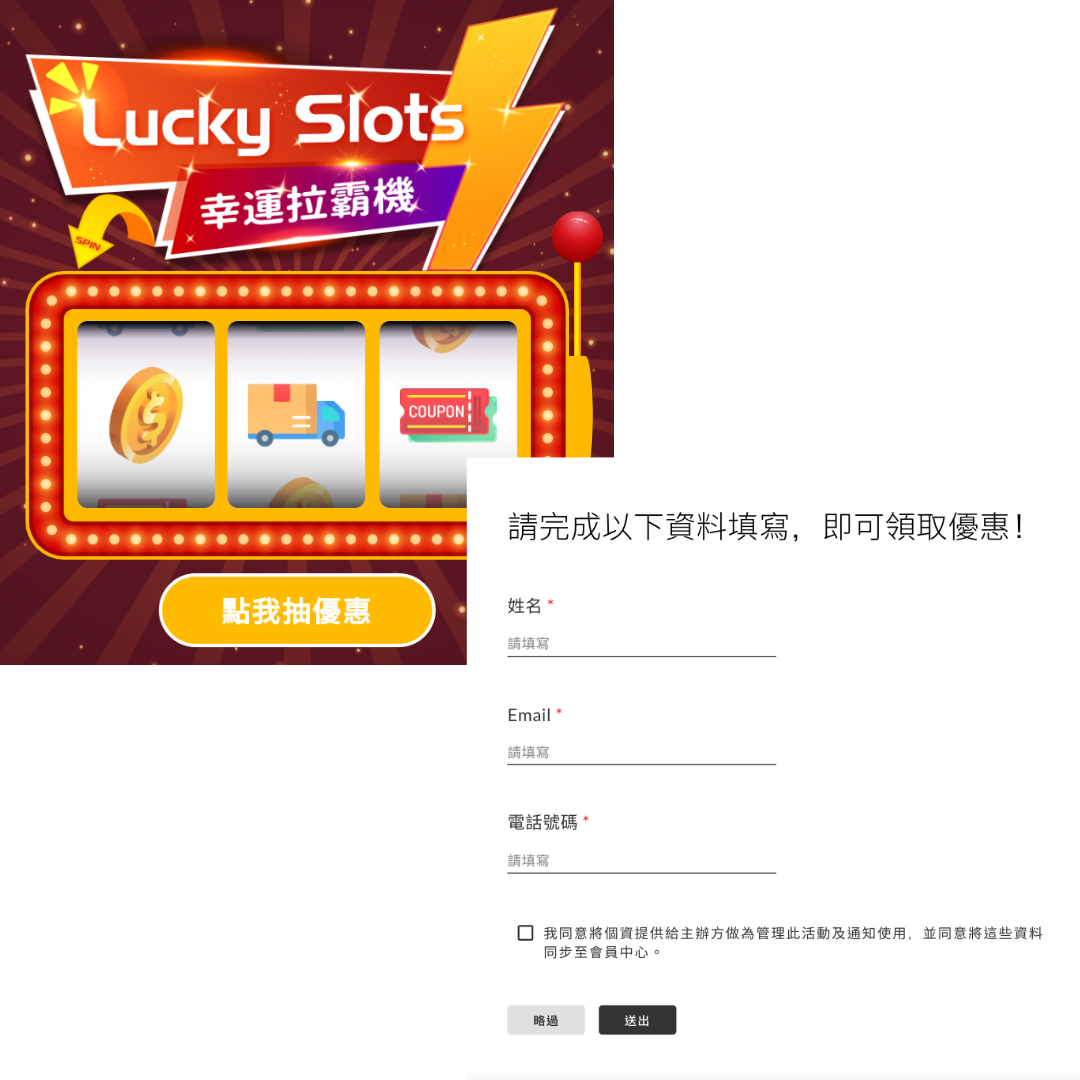
Deepen loyalty with existing customers, and win over the fence-sitters
One key to getting people to participate is making the content personally relevant—something that lets them show off their own personality, style, or skills. Design a hashtag tied to your product or service and highlight the benefits and progress it delivers, and fans will be far more motivated to join in.
Example scenario:
Say you run a gym. You create a #FatLossChallenge hashtag and invite members to share their personal progress and what the gym has helped them achieve. It encourages participants to document their effort, and pairing it with a class discount deepens their connection to your brand both online and in person. Because the content is authentic user testimony, it also attracts new people interested in the same results.
How it works
Your official account posts the campaign details
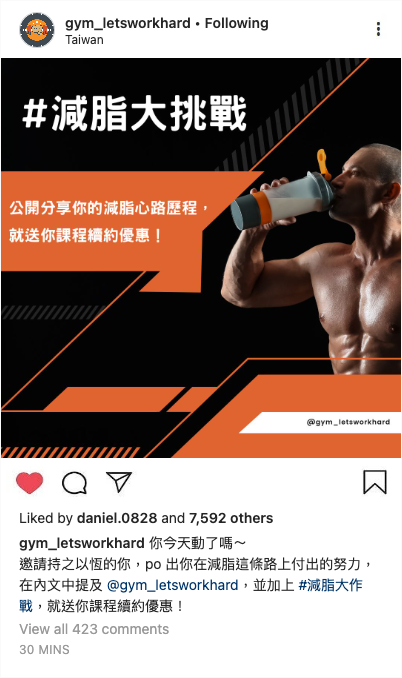
Fans post the required content to meet the entry criteria, and the bot detects it and auto-replies
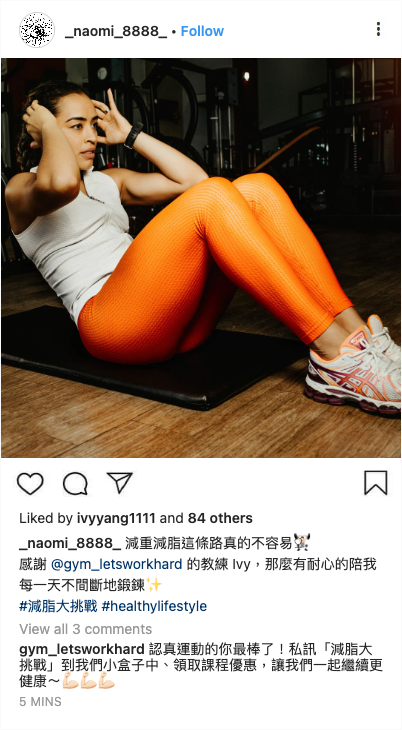
Fans DM the keyword to your official account, and the bot replies automatically
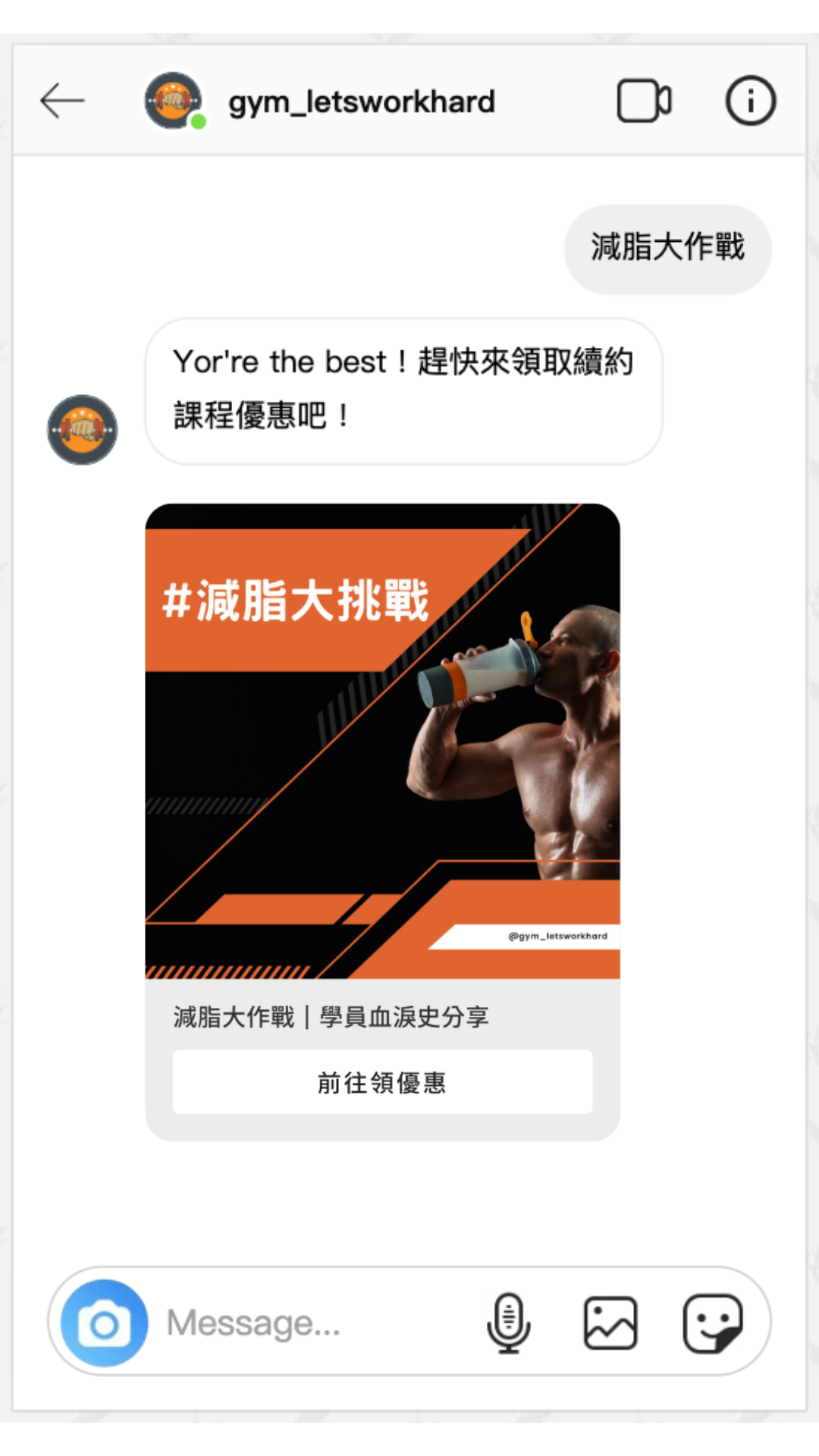
Fans tap to claim their prize, fill out the winner form, and get a discount on in-person classes
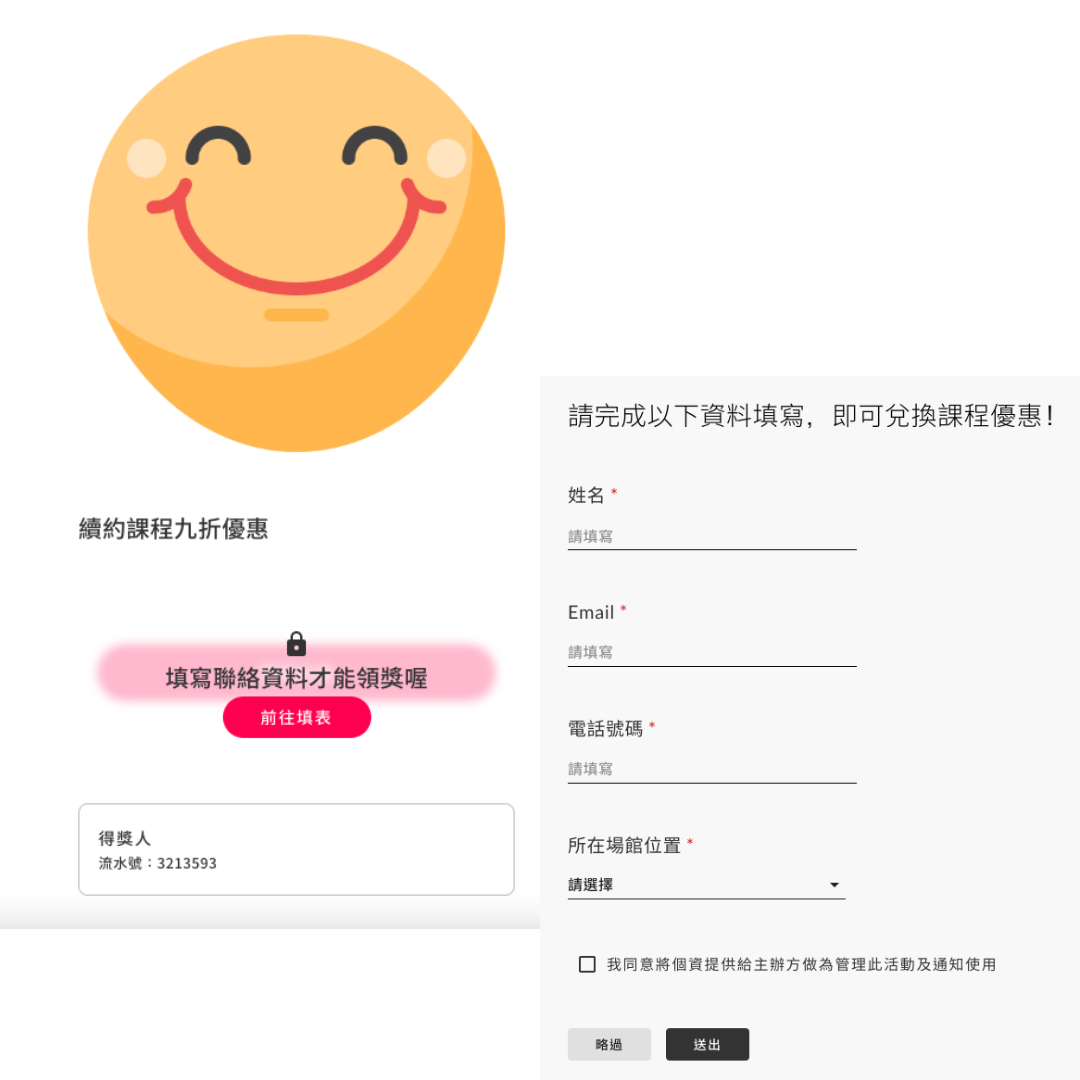
Build a prospect list, then give them a reason to convert
A Cross-Brand Partnership isn't just about driving traffic to each other and creating social buzz—it's also a way to open up a new customer source. Collect participant details as you go, and turn them into your Retargeting list.
Example scenario:
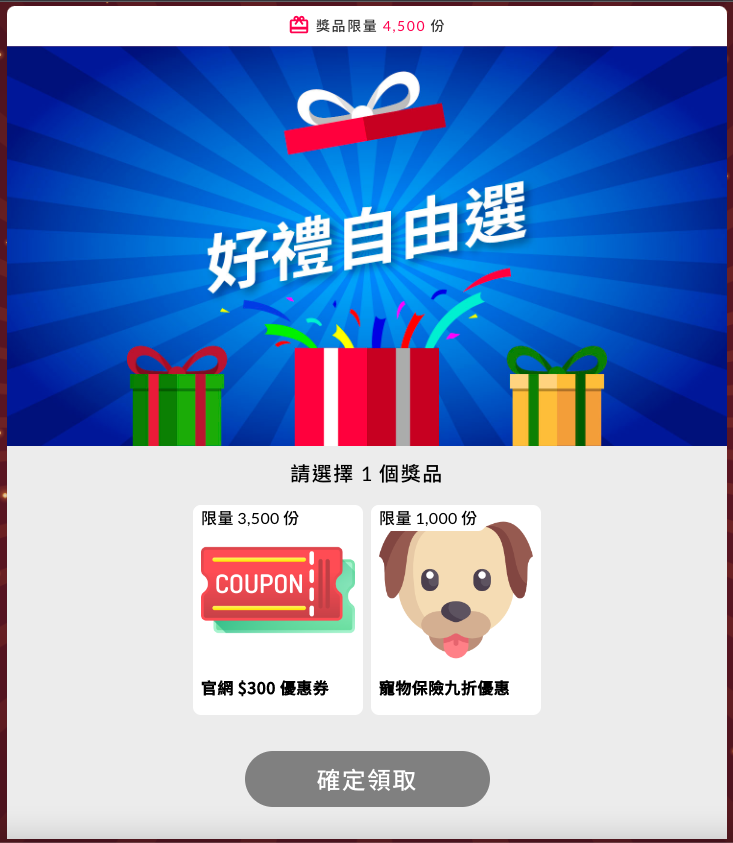
Say you run a pet supplement brand. You partner with a pet insurance company on a #HealthyFurBabies hashtag. When a fan posts, the bot sends a "Pick a Prize" offer by DM—letting them choose between a store discount code for your supplements or a pet insurance deal. It's also a simple way to learn what your members actually prefer.
How it works
Your official account posts the campaign details
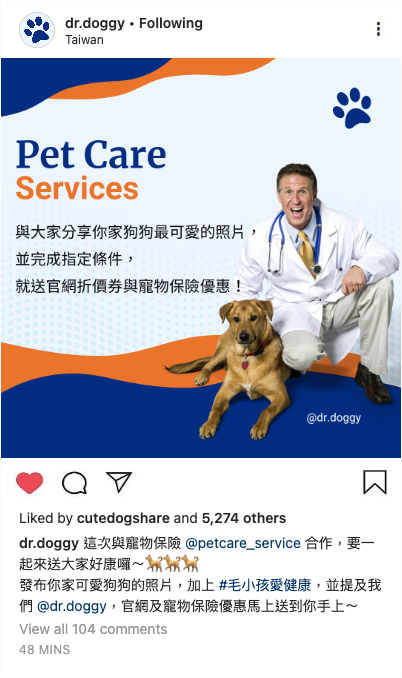
Fans post the required content to meet the entry criteria, and the bot detects it and auto-replies
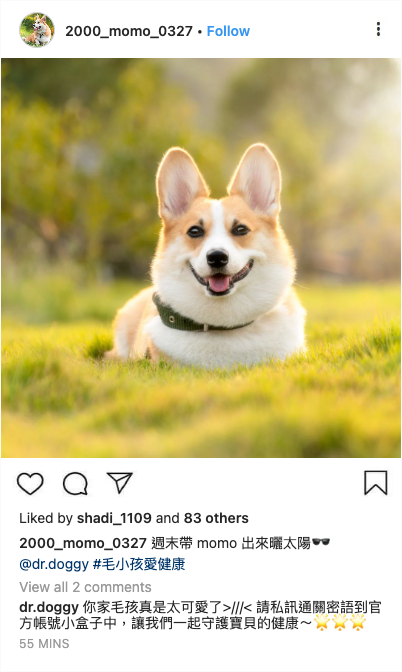
Fans DM the keyword to your official account, and the bot replies automatically
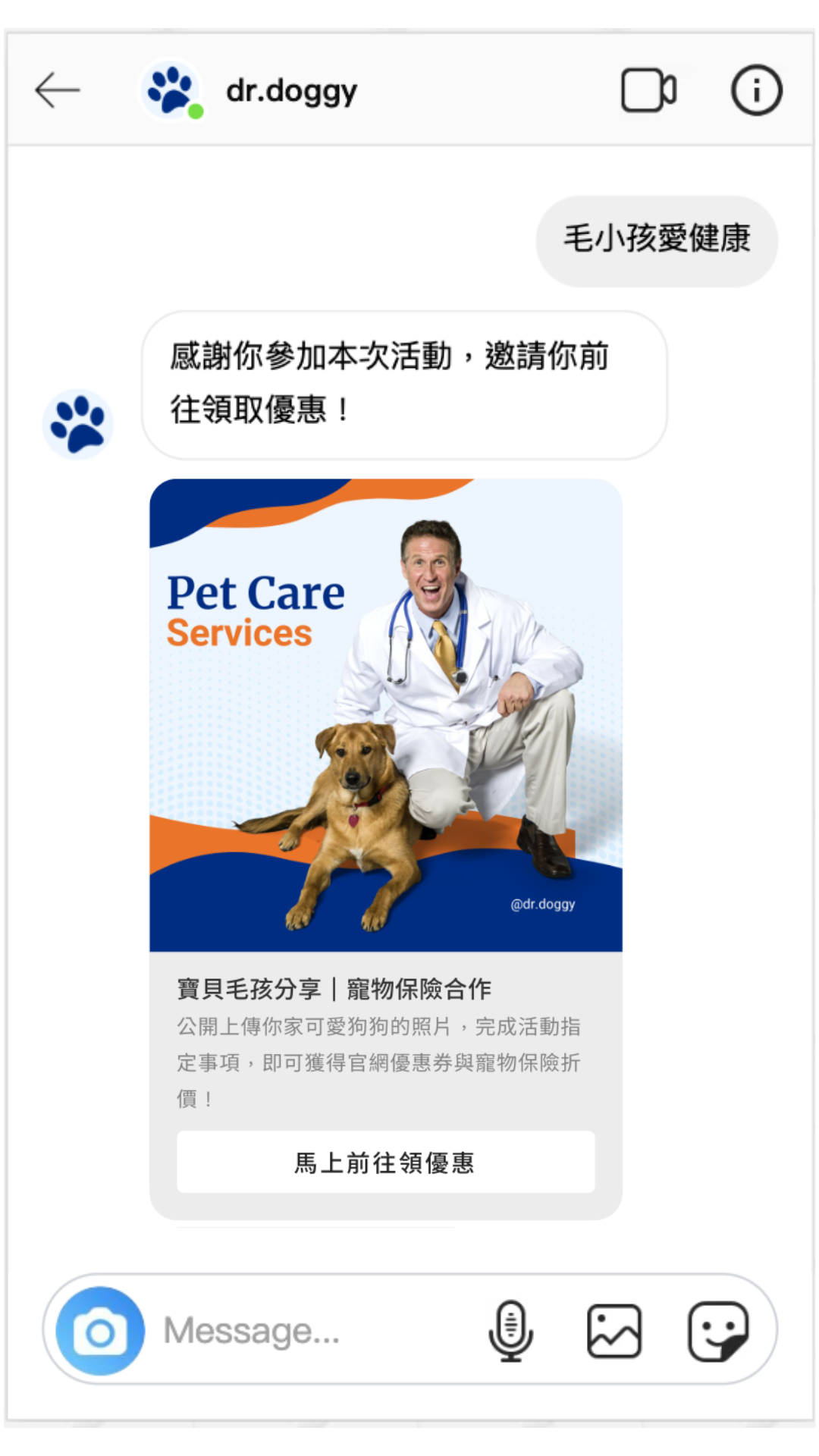
Fans tap to claim their prize and get their Pick a Prize redemption link
Live examples
Photo gallery
By default, the gallery auto-rotates the newest uploads, but you can also pin your favorite photos to show first.
Instagram Hashtag Module case studies
Related reading
Choose Feversocial and launch your marketing plan today
