Framed Photo Contest
![Framed Photo Contest]()

No engineering required. Put your brand logo and product right into customers’ photos, then pair it with voting to spread the word.
Supports social login, member login integration, or no-login mode. Skip the big marketing budget — design a fun photo frame yourself and launch a voting campaign page in minutes.
We support multiple contest modules. Looking to run a submission-based contest, or want more inspiration?See how to pick the right module for you ☞☞☞
Features
1. End-to-end flow: Submissions, voting, and rewards on one page
Get everything you need: entry collection and review, entry galleries, voting, online lucky draws, analytics, and page building. Pair it with forms to handle pre-contest registration and post-contest prize claims.
2. Flexible login and eligibility settings for richer gameplay
Support multiple login methods — Facebook, LINE, or member login — so you can run exclusive contests, like a recipe contest just for members or a photography contest just for LINE friends.
Beyond flexible login options, you can also set limits on entries and votes to encourage daily return visits and keep the contest active.
Set different login requirements for voters and entrants so your brand can reach a wider audience — for example, limit entries to members for an outfit contest, then have entrants share to Facebook so friends can log in and vote.
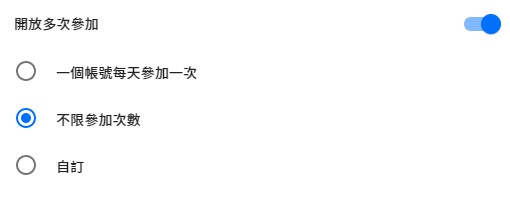
Entries can allow multiple submissions
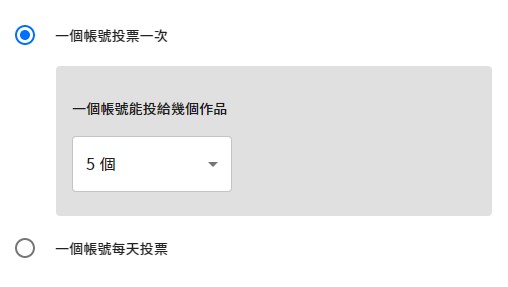
Voting can be limited to once total or once per day, with a cap on entries per account
3. Choose which fields entries require
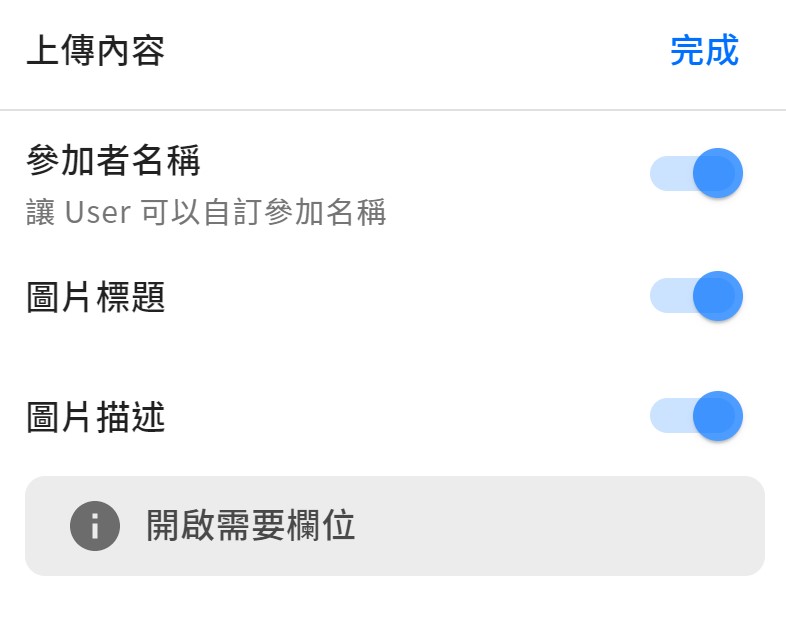
Uploads support three fields: participant name, photo title, and photo description — choose which ones to turn on based on your contest.
For example, if entries are submitted by teams but participants log in with social accounts, turn on the participant name field so entrants can fill in their team name instead of entering individually.
4. Three layers of protection against vote fraud
Step 1. Voters must log in before they can vote → uses social platform identity checks to raise the barrier to entry
Step 2. Votes only count after passing bot verification → powered by Cloudflare Turnstile
Step 3. Admin vote-check page → see every account’s voting activity at a glance
What is Cloudflare Turnstile?
It’s Cloudflare’s next-generation bot protection, built to block automated scripts and bot abuse, with a smoother, more user-friendly verification flow than traditional CAPTCHAs.

5. Spot suspicious votes? Here’s what to do
The admin dashboard’s Vote Check gives you an overview of every entry’s vote count. Drill into daily voting charts for each entry, review every voter’s account and IP address, and cancel any votes you flag as suspicious.
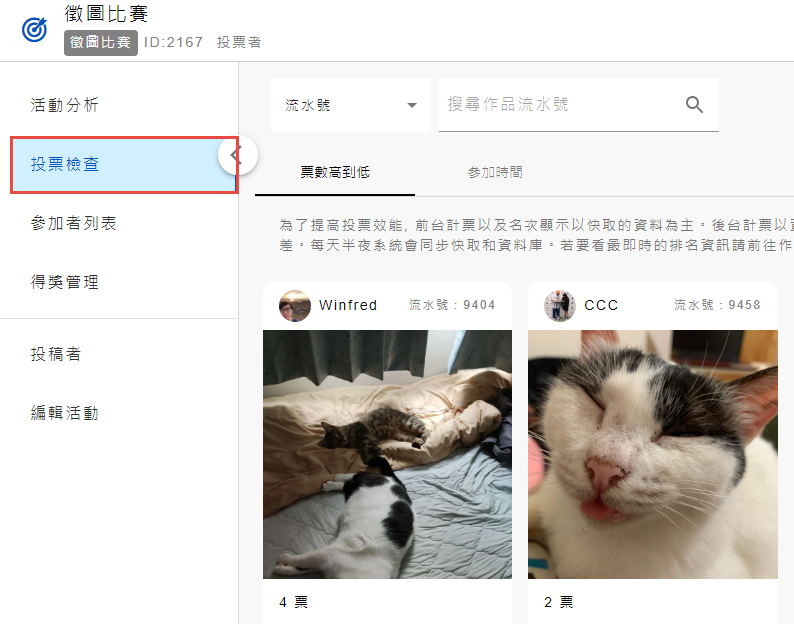
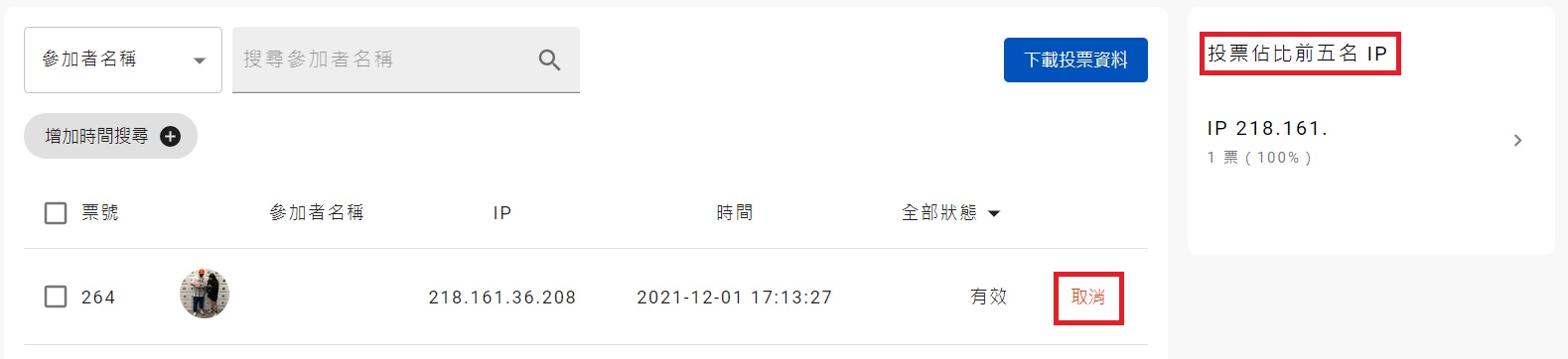
Cancel any votes you flag as suspicious, or check the Top 5 IPs by Vote Share to spot unusual voting patterns
6. Turn on review to keep entry quality high
With review turned on, only approved entries appear in the gallery and become eligible for voting, keeping quality high and blocking bad-faith interference.
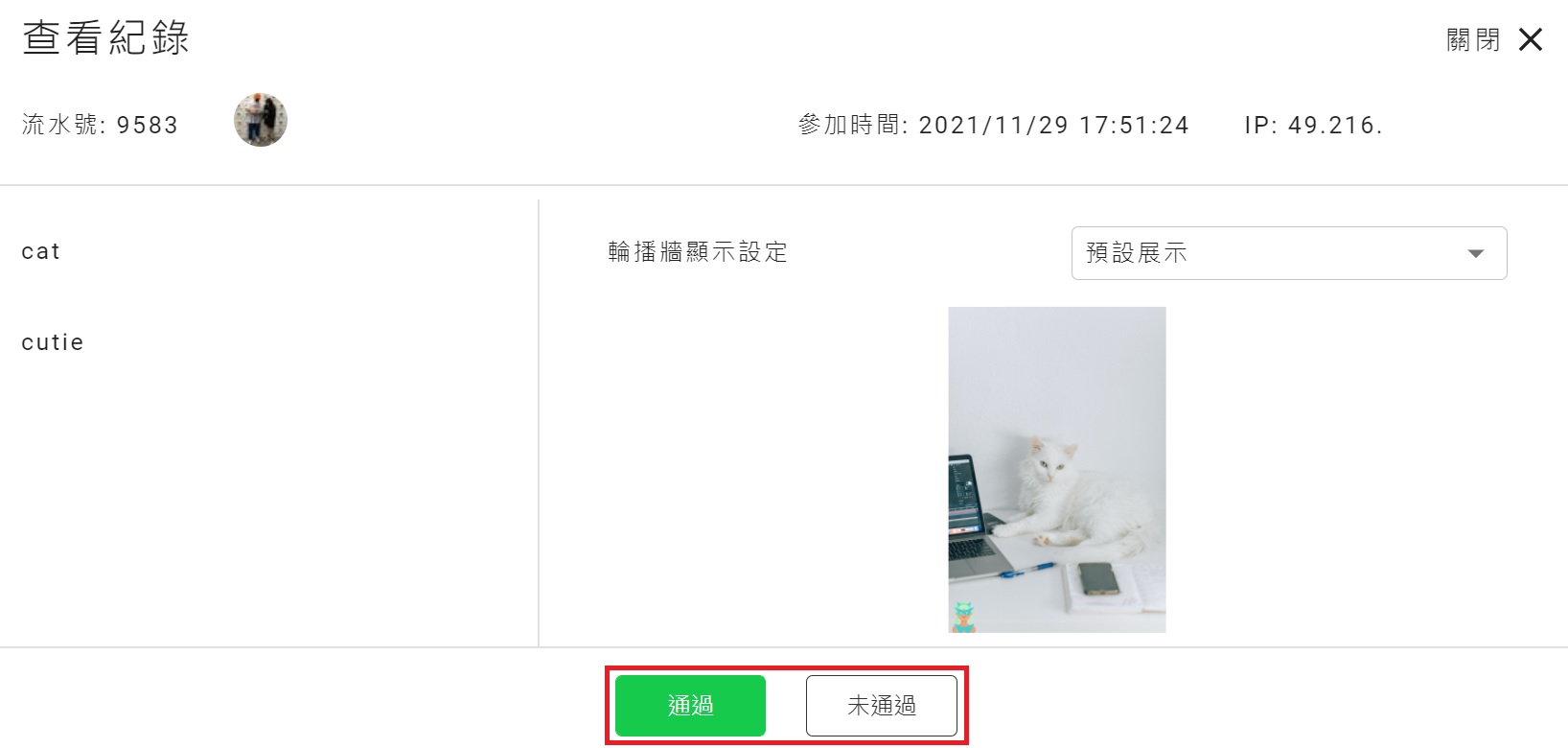
Framed Photo Contest module case studies
