Survey
![]()

Combine social or website login with built-in rewards for a "take the survey, get a prize" campaign. This easy-to-build Survey module covers any market research need—customer surveys, new product feedback, market research, and event satisfaction surveys.
Features
Question types
- Single- and multi-select, with an open-ended “Other” option
- Dual dropdown menus
- Custom rating scales
- Date picker
- File upload
- Open text fields, short or long
- Single- and multi-select answers support Auto-Tagging
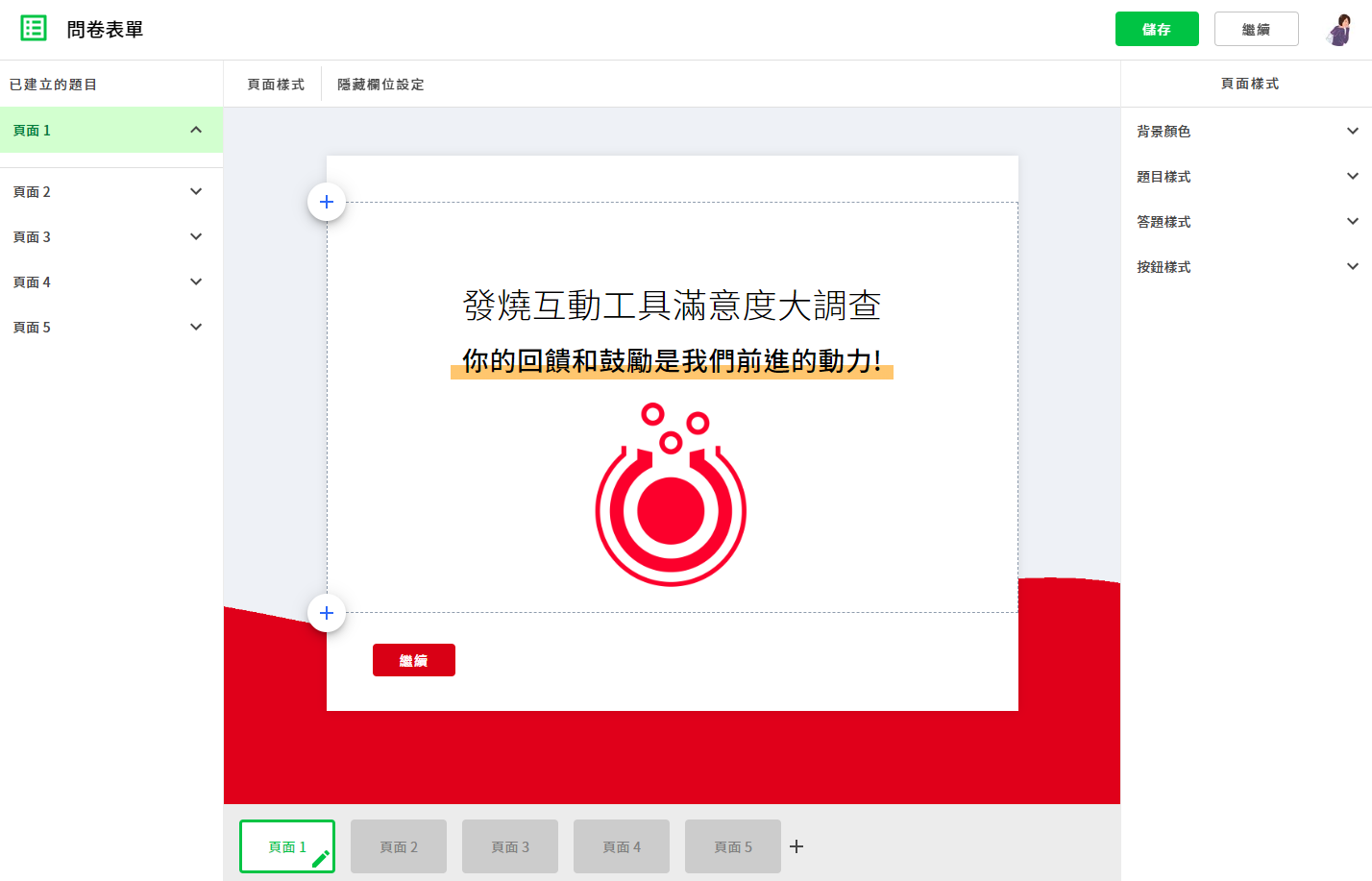
Multi-page flexibility
- Use multiple pages to organize your questions
- Insert content pages between questions to guide respondents
- Drag and drop to reorder pages anytime
- Embed video or other media
- Set a custom cover page and results page
- Pair with a rewards module to send coupons or passcodes
Conditional logic
The same survey can branch down different paths based on how each respondent answers. Every answer option supports two behaviors:
- Branch to follow-up questions: attach a dedicated set of questions (a conditional block) to a specific answer. Respondents rejoin the main flow automatically once they finish, and anyone who picks a different answer never sees that block.
- Assign a parameter value: map each answer option to a value that’s recorded the moment a respondent answers, ready to use as a field mapping when you import into your CRM.
- Set up one option, then click “Apply to All” to sync the same logic across the rest of that question’s options—no need to configure each one by hand.
- Each respondent only answers what’s relevant to them, so the survey doesn’t have to get longer for everyone just to cover every case.
Higher response rates
Split survey answers and personal contact details into two separate steps, so respondents who don’t want to leave their info for the prize draw can still take the survey anonymously.
AI-generated questions for every scenario
The AI Questionnaire Builder lives right inside the survey editor. Pick your scenario and it drafts the questions for you—apply them to your survey fields with one click. You can also paste in an existing form and let AI turn it into a survey. Once your questions are set, use the AI Style Assistant to generate a look and apply a theme.
After a launch or a product update, you need data on usage frequency, use cases, and repurchase intent to make it actionable. Pick a product, and AI generates a product experience survey for you.
After an in-person event, expo, or webinar, you need feedback on content, speakers, logistics, and the on-site experience all at once. AI generates a satisfaction survey for events, expos, and webinars.
Course and lecture feedback needs its own angle—depth of content, instructor delivery, and learning outcomes—different from a standard event survey. AI generates a satisfaction survey built for courses and lectures.
Post-meal feedback in food service only shows you where the problem is if you separate food, service, and ambiance. AI generates a post-dining satisfaction survey.
Live demos
Survey case studies
Ready to build your survey?
No code required—build it yourself and see what an interactive survey can do.
