Promo Form
Add a form to your campaign flow and capture more genuine feedback and personal data from every customer.
How does the Promo Form work?
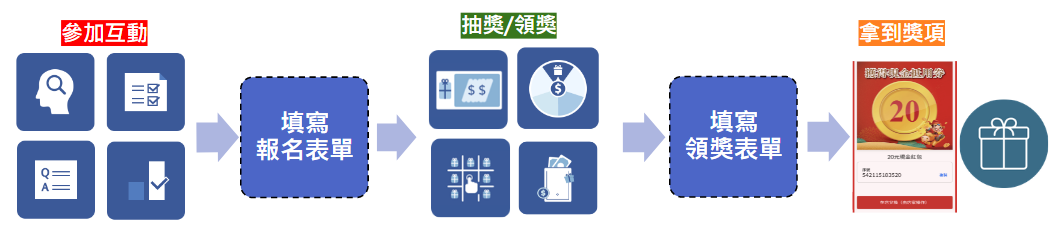
Two form types to choose from
- Entry Form: Automatically routes participants to the form right after they finish the promotion — perfect for gauging giveaway interest or collecting registrations.
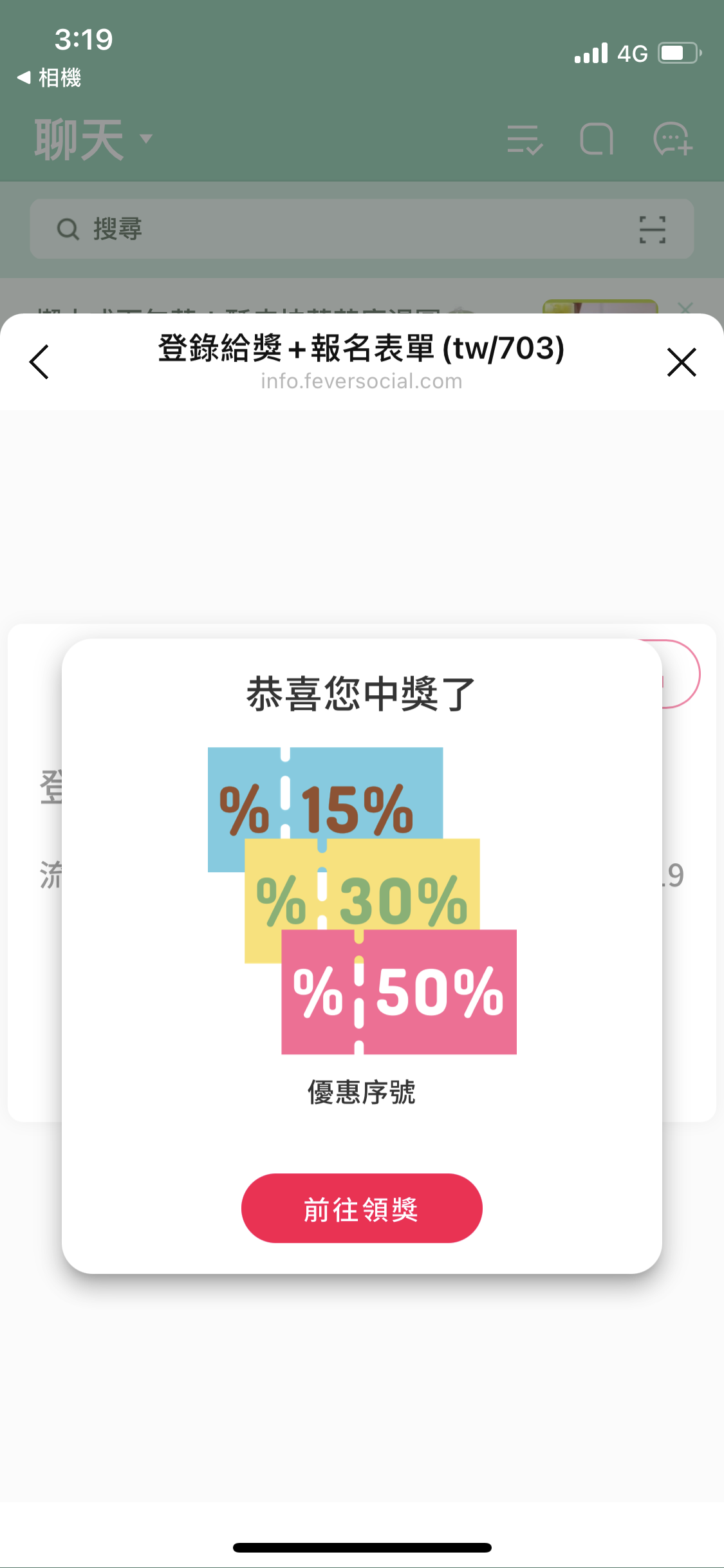
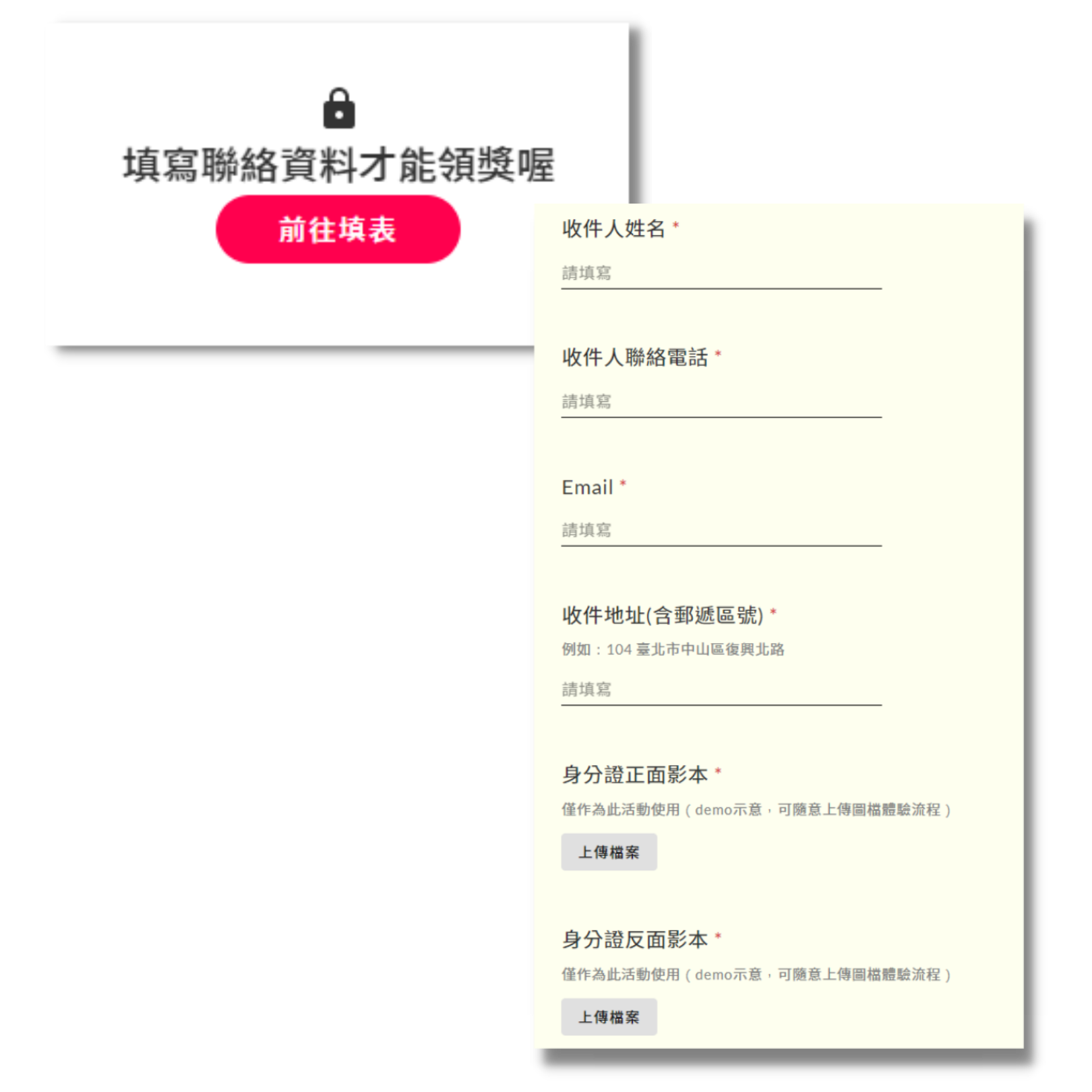
- Winner Form: Winners must complete the form before they can claim their prize — ideal for collecting winner details for tax reporting and beyond.

Entry form example — design your own question types and fields for participants to fill in

Winner form example — design your own question types and fields winners must complete to claim their prize
Turn on an entry form, a winner form, or both — anywhere in your campaign flow
What makes the Promo Form stand out?
Encrypted fields keep data secure
- Built-in fields: Common fields like name, email, and phone number are already built into the form dashboard — no extra setup required.
- Other encrypted fields: Additional personal data such as shipping address, birthday, or blood type — plus more sensitive, product- or service-related details like skin condition or lifestyle habits.
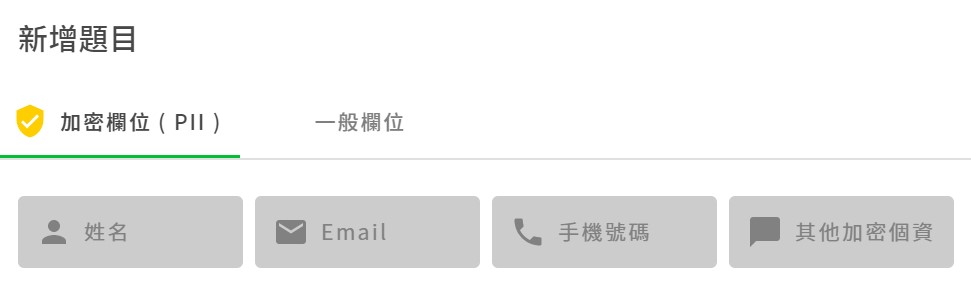
Encrypted field setup, as shown in the dashboard
Saved questions make setup faster
Design a field once, save it as a saved question, and pull it into any form instantly — no need to rebuild it every time.
For example:
- Running frequent giveaways with physical prizes? Save a "Shipping Address" field.
- Running a product-experience campaign? Save "Satisfaction Survey" or "Feedback" fields.
- Want richer profile data so you can retarget more precisely later? Save fields like "How did you hear about this promotion?" or "Preferred shopping channel."
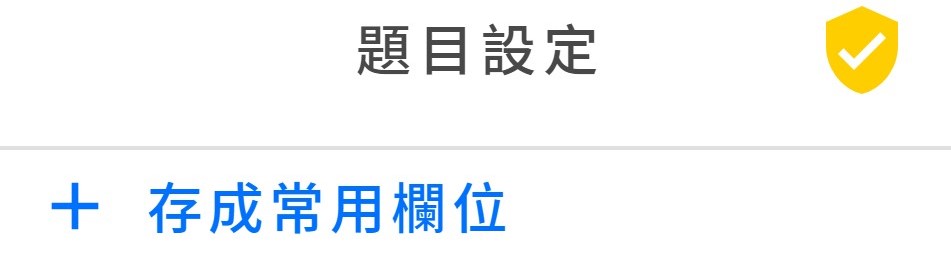
Saved question setup, as shown in the dashboard
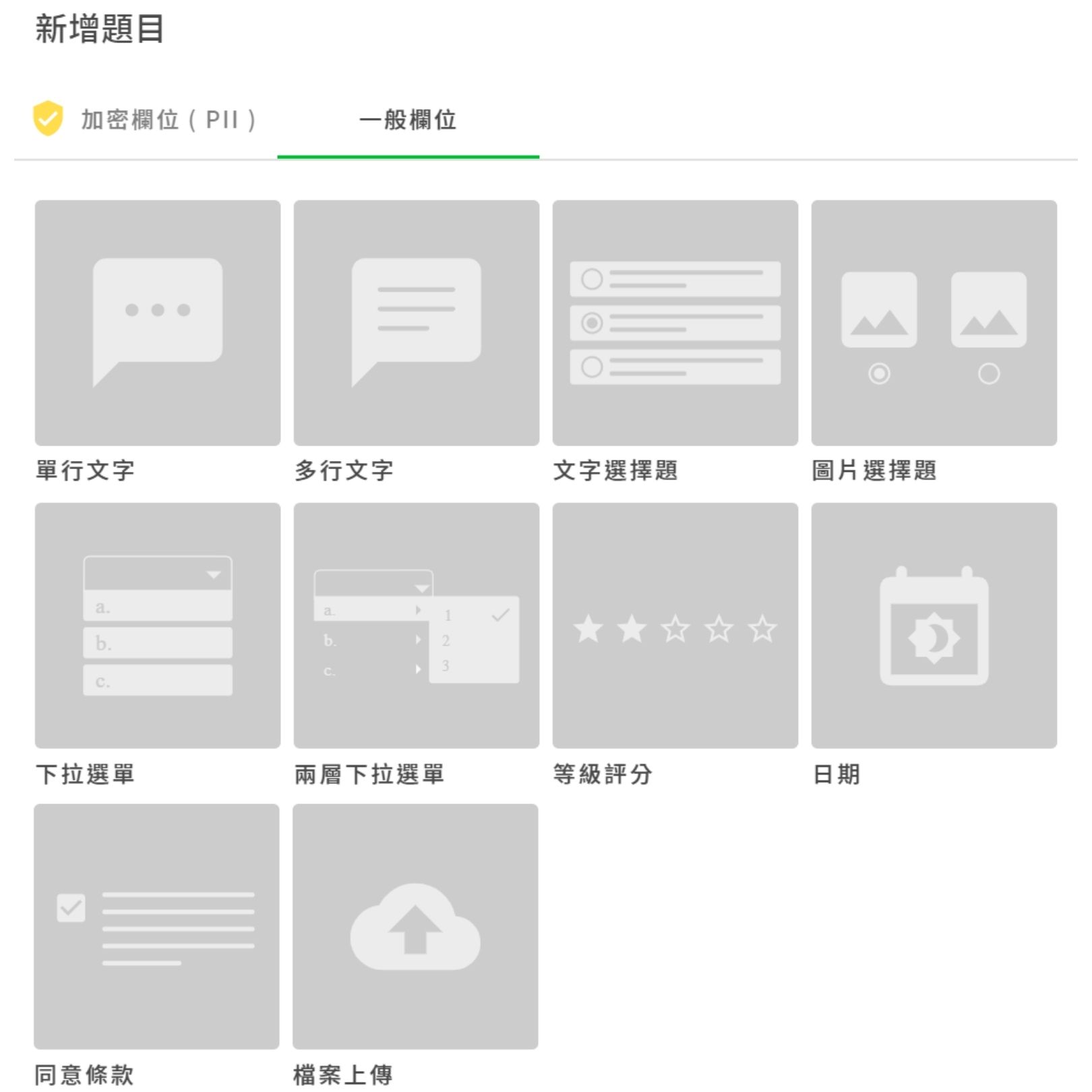
Question-type setup, as shown in the dashboard
Multiple question types for any form you need
A form can do more than collect basic details. Mix up your question types to keep it engaging instead of static, and uncover what customers actually think.
Entry Form in action
Use case 1: OMO — turn online campaigns into store visits
The line between online and offline keeps blurring, and OMO (Online Merge Offline) is one of the best moves a brand can make today. It lets e-commerce and physical stores work together, unify customer data, and make your marketing more precise and your budget easier to control.
"Claim a free sample" is a great hook for driving foot traffic, and a form lets you track exactly how much stock each store needs to prepare.
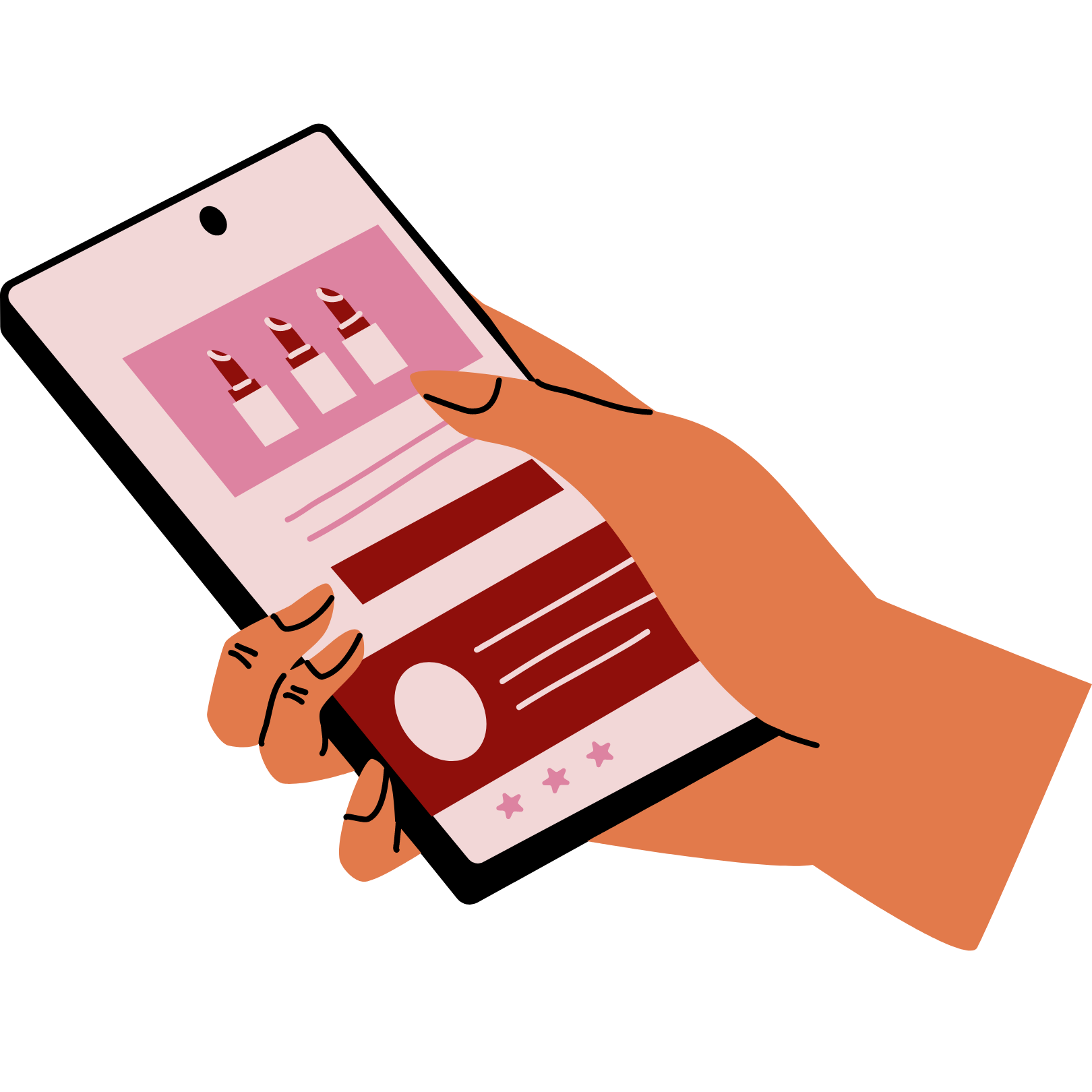
Scenario: Say you're a beauty brand with lipstick shades matched to skin tone. You launch a quiz that recommends a shade on the results page, send participants to fill out a form, then have them redeem it in-store.
STEP 1. Take the Quiz
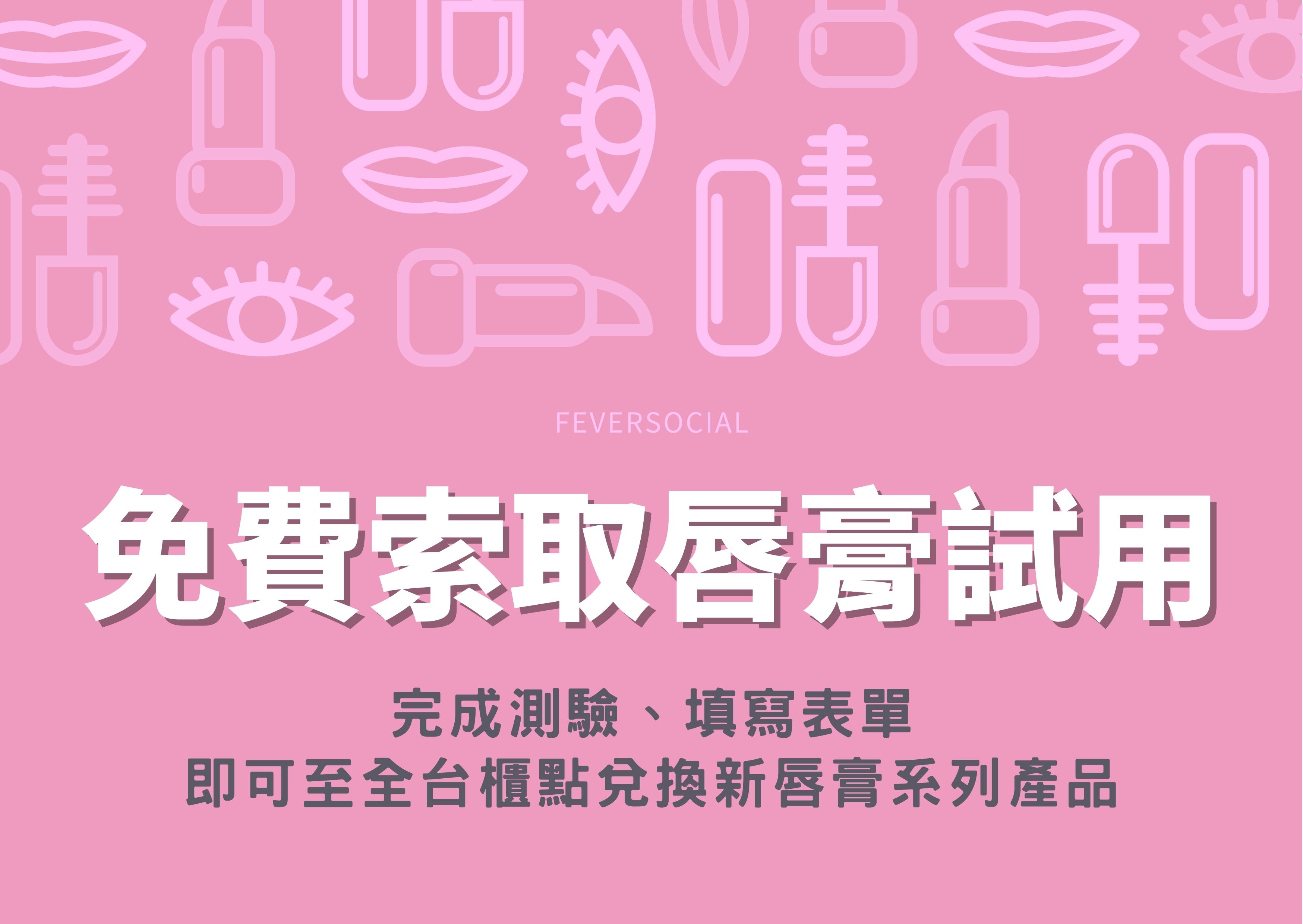
Enable login for easier retargeting later, or skip it to keep the flow simple
STEP 2. Fill Out the Form
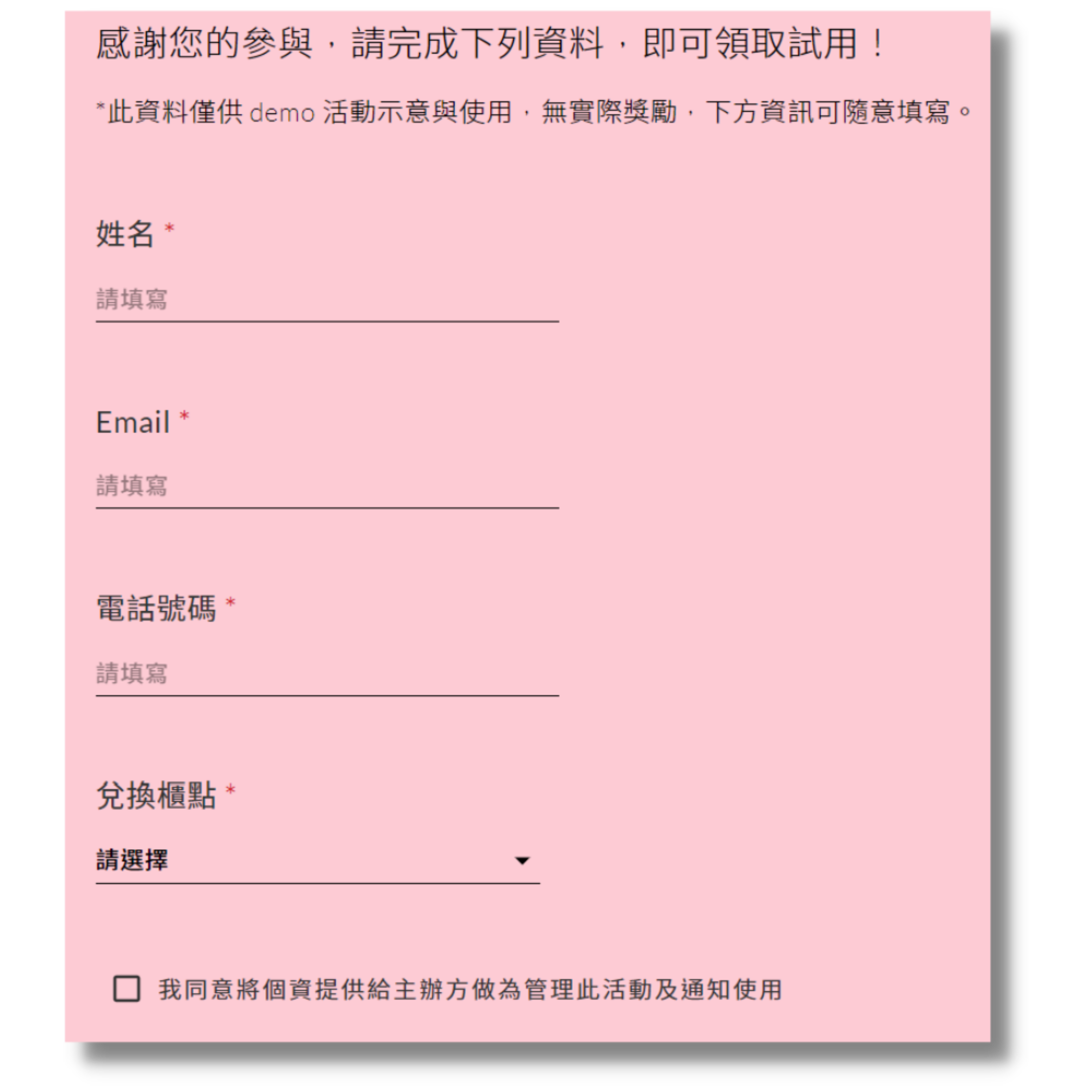
STEP 3. Redeem the Sample In-Store
Use case 2: On-site events — capture turnout and attendee data
At in-person events, you're often surrounded by brands in your exact category — so catching attention and learning who your visitors really are matters more than ever.
"On-the-spot offers" are a proven way to drive interest, and pairing a fun reward module with a form turns a passing visitor into a lead you can bring back.
Scenario: Say you're a pet food brand running a slot-machine game at a pet expo. You capture visitor purchase data on the spot, then use it to run precisely targeted ads to the right audience afterward.
STEP 1. Enter the Game
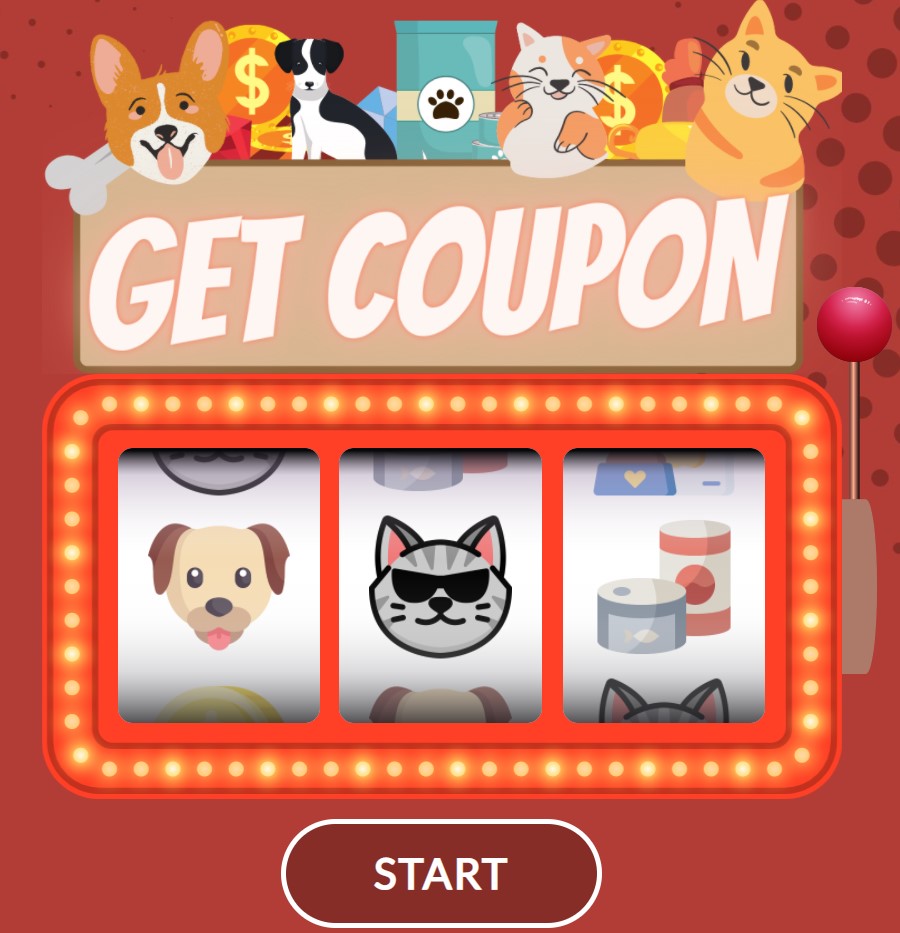
Skip login here — keeping the flow simple helps things run smoothly on-site
STEP 2. Fill Out the Form
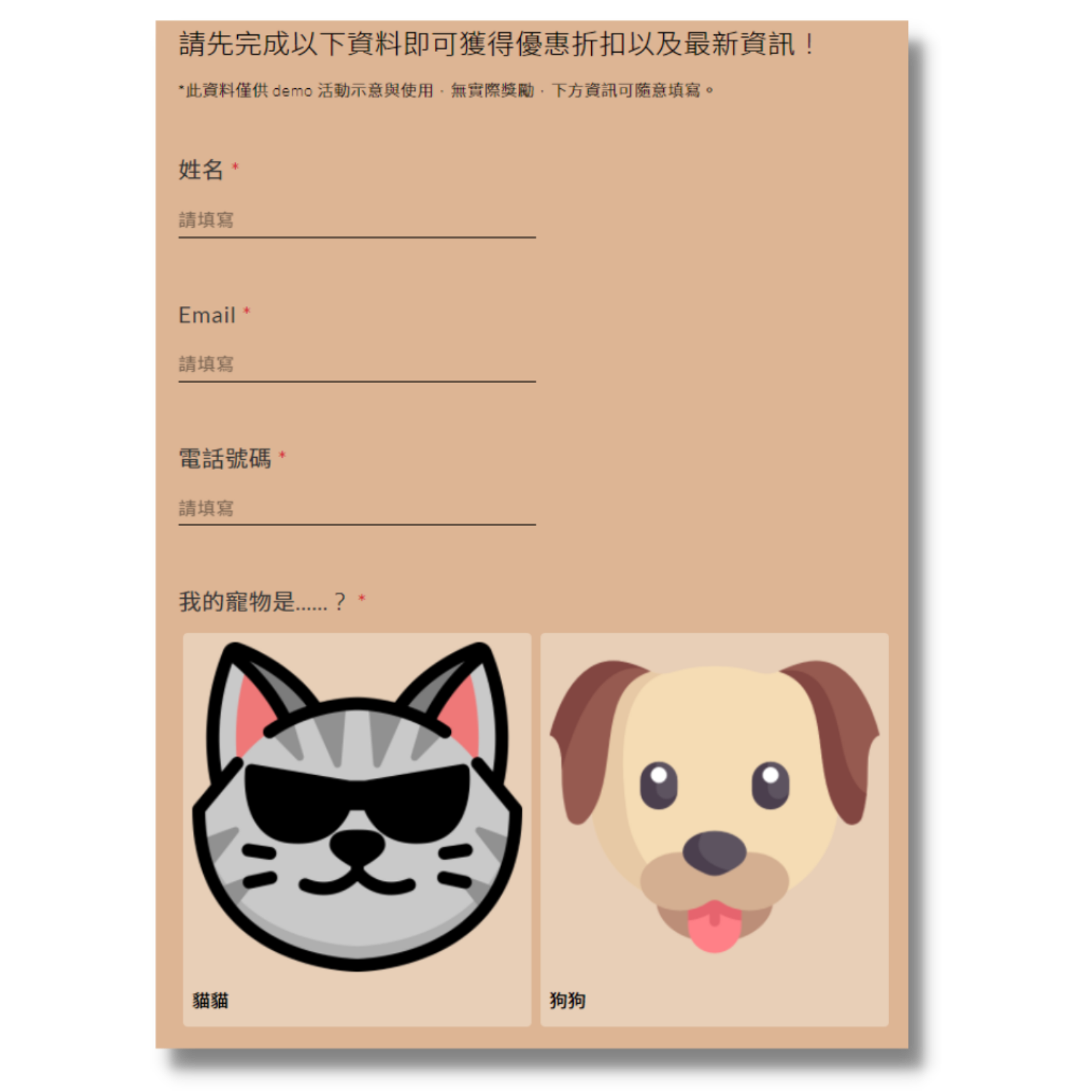
STEP 3. Get the Offer and Use It On-Site
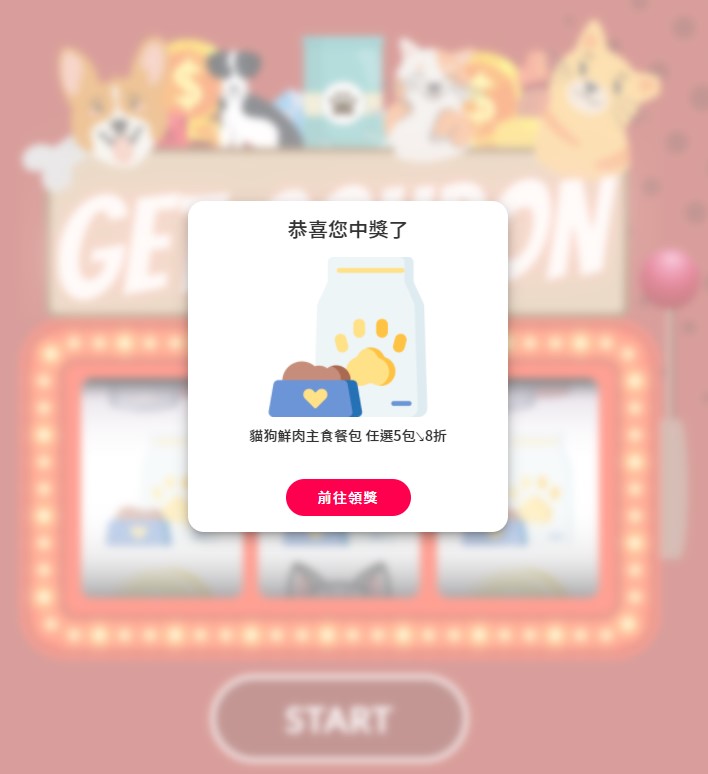
Use case 3: LINE Official Account — learn friends' preferences and habits
A promotion can bring people to your official account, but what you send them afterward matters even more. To make all that effort count, customers need to feel understood — and get content that's actually relevant to them.
"Add as a friend for a discount" is a direct, effective hook, and pairing it with a form tells you who your new friends are from day one, so you can spend your broadcast budget more precisely.
Scenario: Say you're a food retail brand running an "add as a LINE friend for a coupon" promotion. A follow-up form helps you guess which of your many products each friend is likely to care about.
STEP 1. Enter via LINE
Enable LINE login here — paired with the form, it's an effective way to learn user preferences
STEP 2. Fill Out the Form
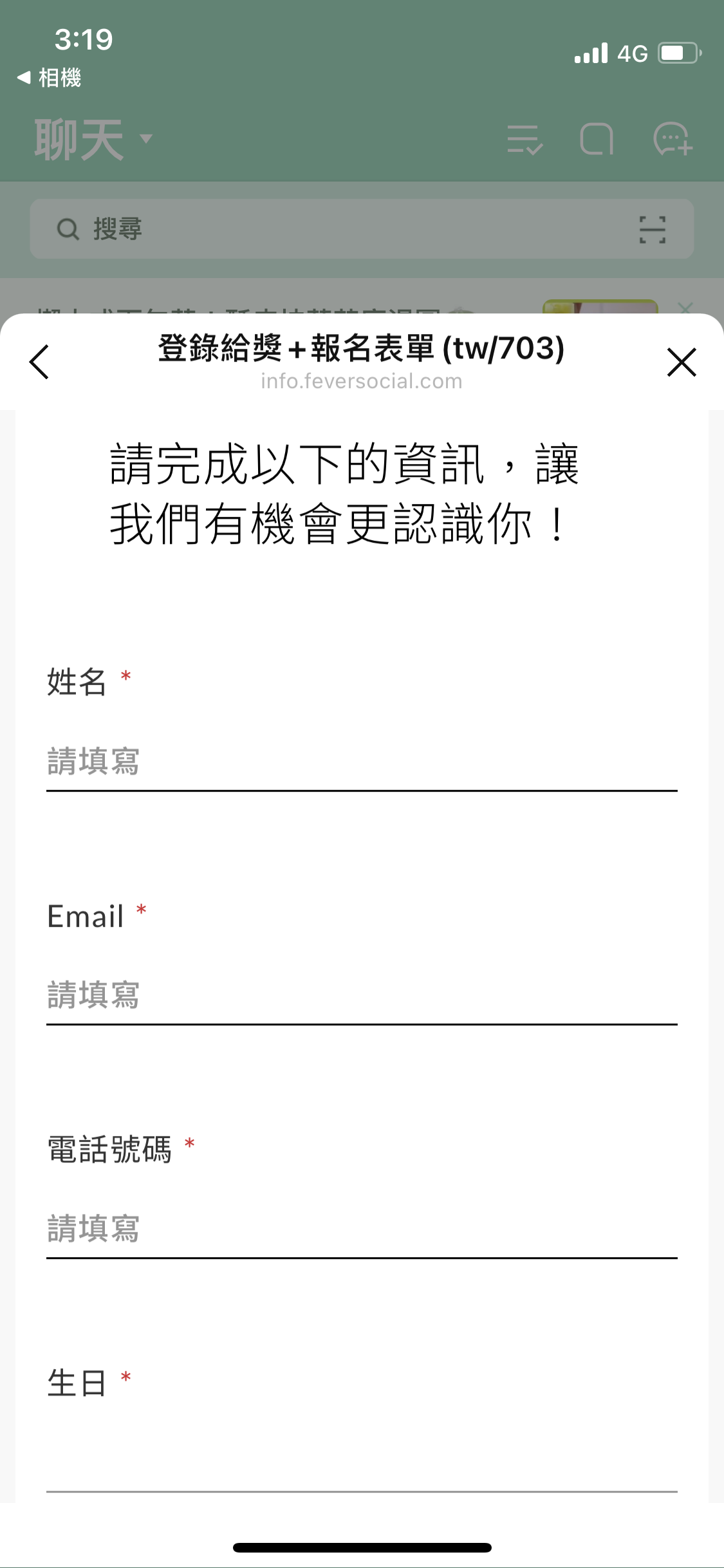
STEP 3. Get the Discount
Winner Form in action
Use case 1: Prize tax filing — when a prize is worth over NT$1,000
Under Taiwan tax law, winners must submit copies of both sides of their ID when a prize is worth more than NT$1,000.
Large-scale giveaways used to mean a complicated, time-consuming process. Pair a game module with a winner form instead, and campaign setup, the draw, and collecting winner documents all happen in one place.
* Built-in file upload saves your team time and effort — and makes it just as easy for winners to claim their prize.
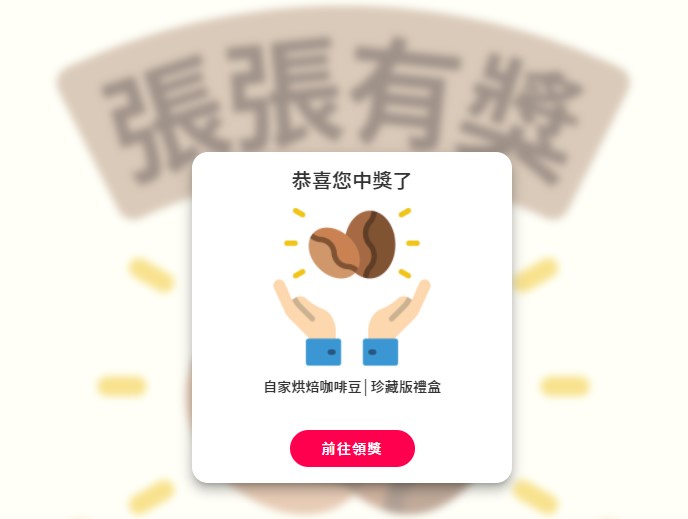
Scenario: Say you're a brick-and-mortar coffee shop running a giveaway. Customers enter the game page, find out instantly if they've won, and fill out the form on the spot — you just ship the prize based on what they submit.
STEP 1. Enter the Game
Enable login for easier retargeting later, or skip it to keep the flow simple
STEP 2. The System Determines the Winner Automatically
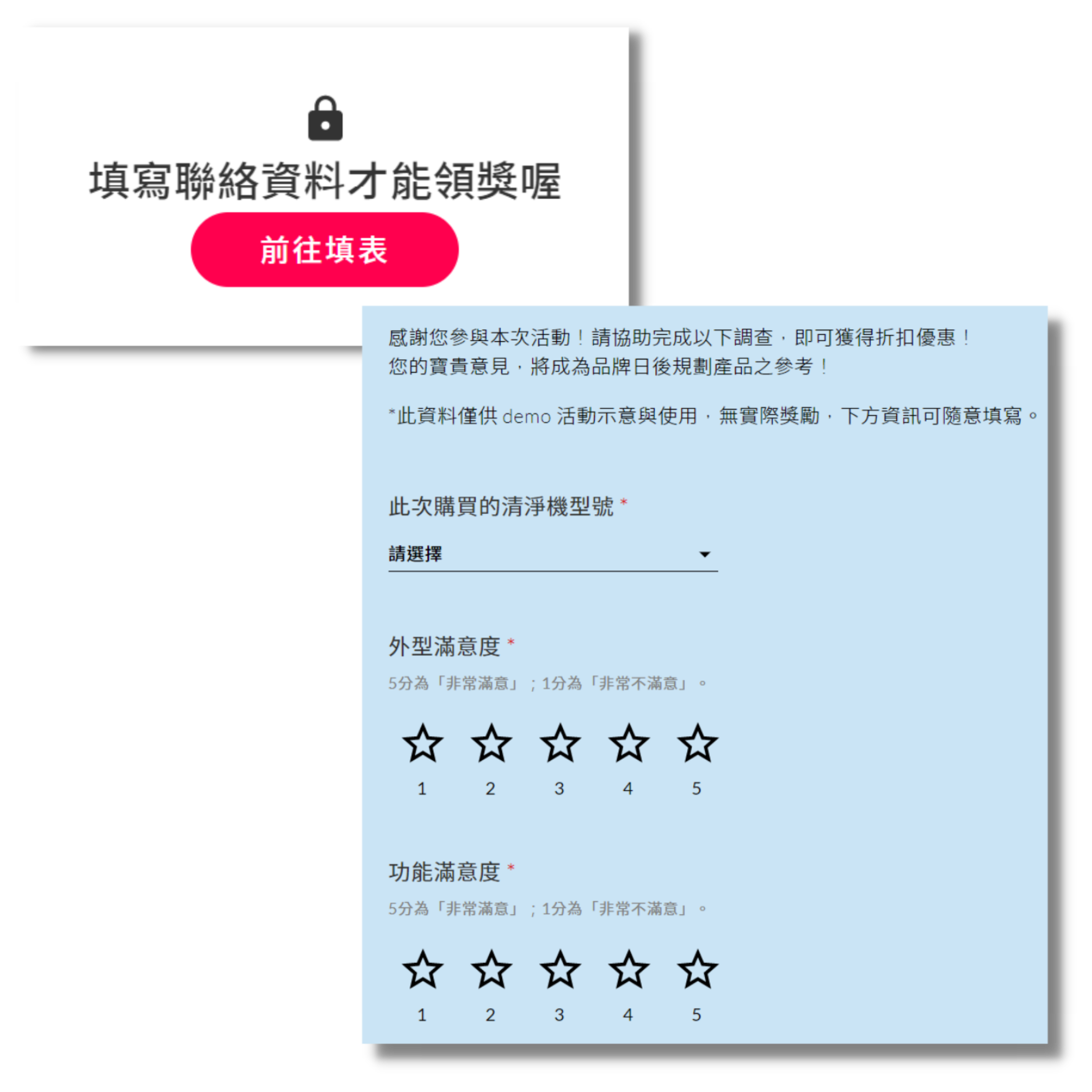
STEP 3. Winner Fills Out the Form, Then Gets the Prize Once You Confirm
Use case 2: Purchase reward — add a product survey on top of purchase data
Launching a new product or pushing a specific one? Beyond driving sales, you also want direct feedback to guide future development.
Purchase Reward lets you see exactly who your customers are while rewarding their purchase — pair it with a form, and you collect product feedback in the same step.
Scenario: Say you're a major appliance brand that wants both purchase data and product feedback. You run a campaign open only to buyers — after they complete the feedback form, they're entered into a draw.
STEP 1. Enter the Promotion
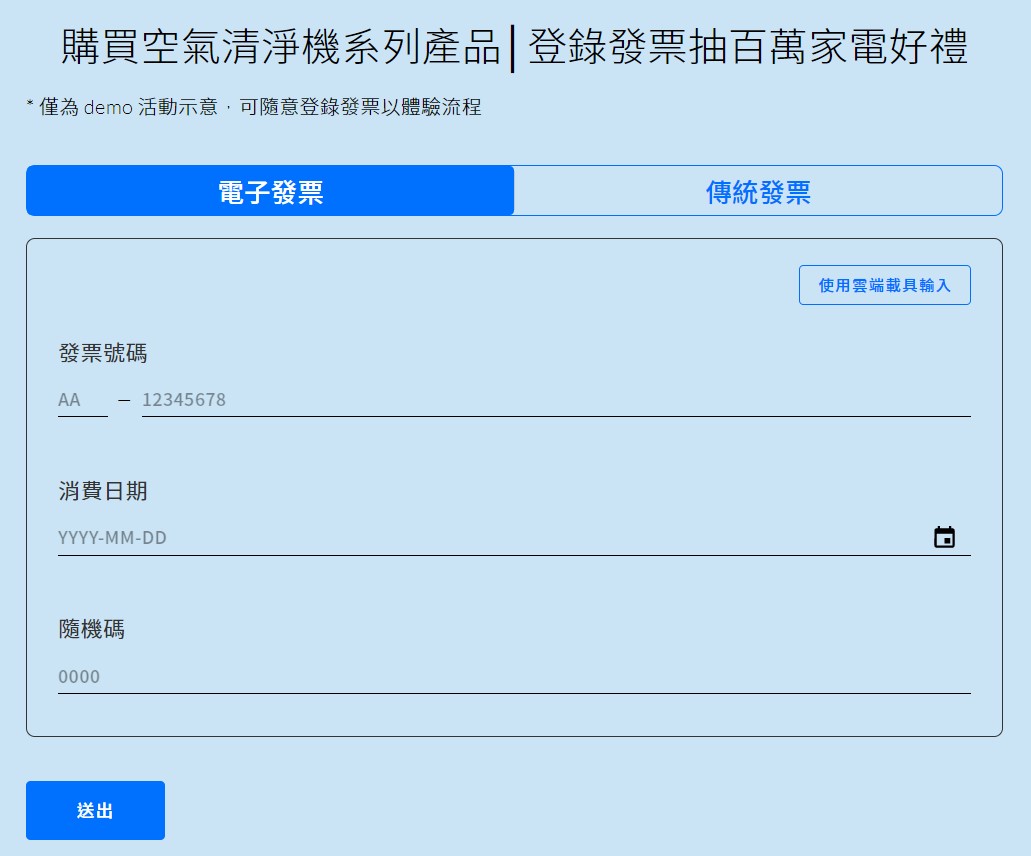
Enable login for easier retargeting later, or skip it to keep the flow simple
STEP 2. Enter the Game
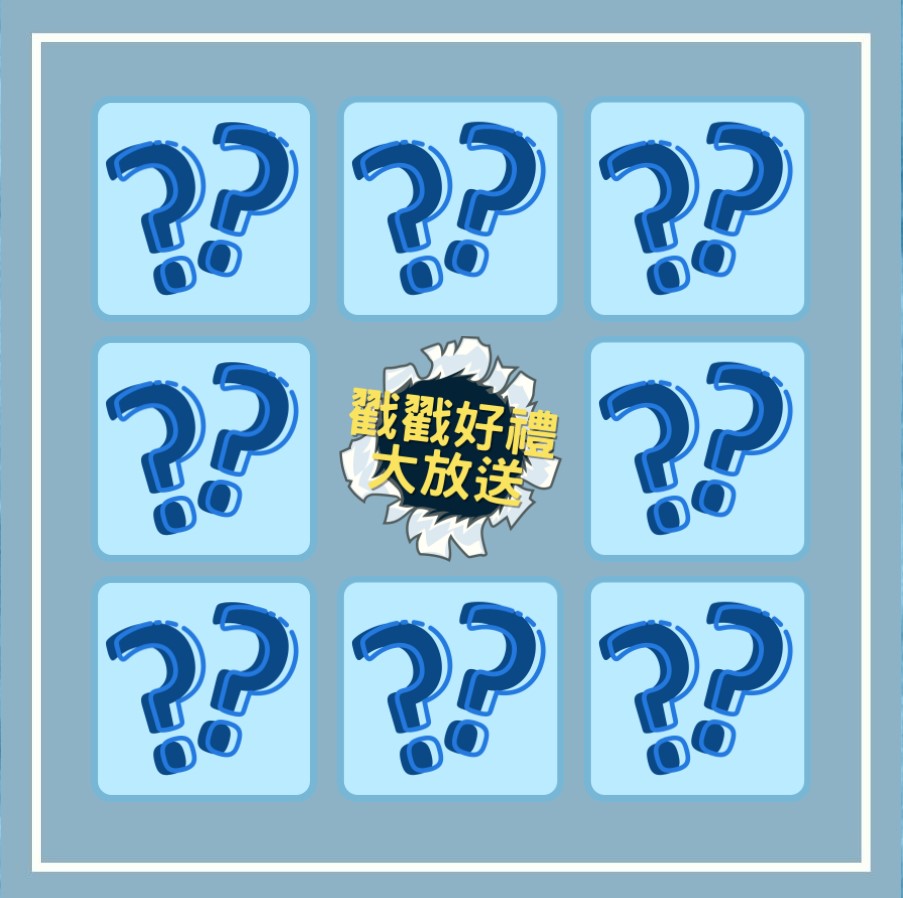
STEP 3. Winner Fills Out the Form, Then Gets the Prize Once You Confirm
Combo: Entry Form + Winner Form in action
Use case 1: Product sharing — boost social reach and build your brand with rewards
Every brand has an evergreen, best-selling lineup, and strong user testimonials are a powerful trigger when a new prospect finds you online.
Photo-plus-text sharing catches the eye fastest, and pairing it with a branded photo frame makes the layout feel polished. Reward it with the actual product, and you leave an even stronger impression.
Scenario: Say you're a baby-care brand known for a gentle-on-skin lineup. Your site has a space for uploading product reviews; an entry form collects customer details to enter the draw, and winners complete a winner form afterward.
STEP 1. Enter the Promotion

Enable login for easier retargeting later, or skip it to keep the flow simple
STEP 2. Submit the Form, Then Play for a Prize
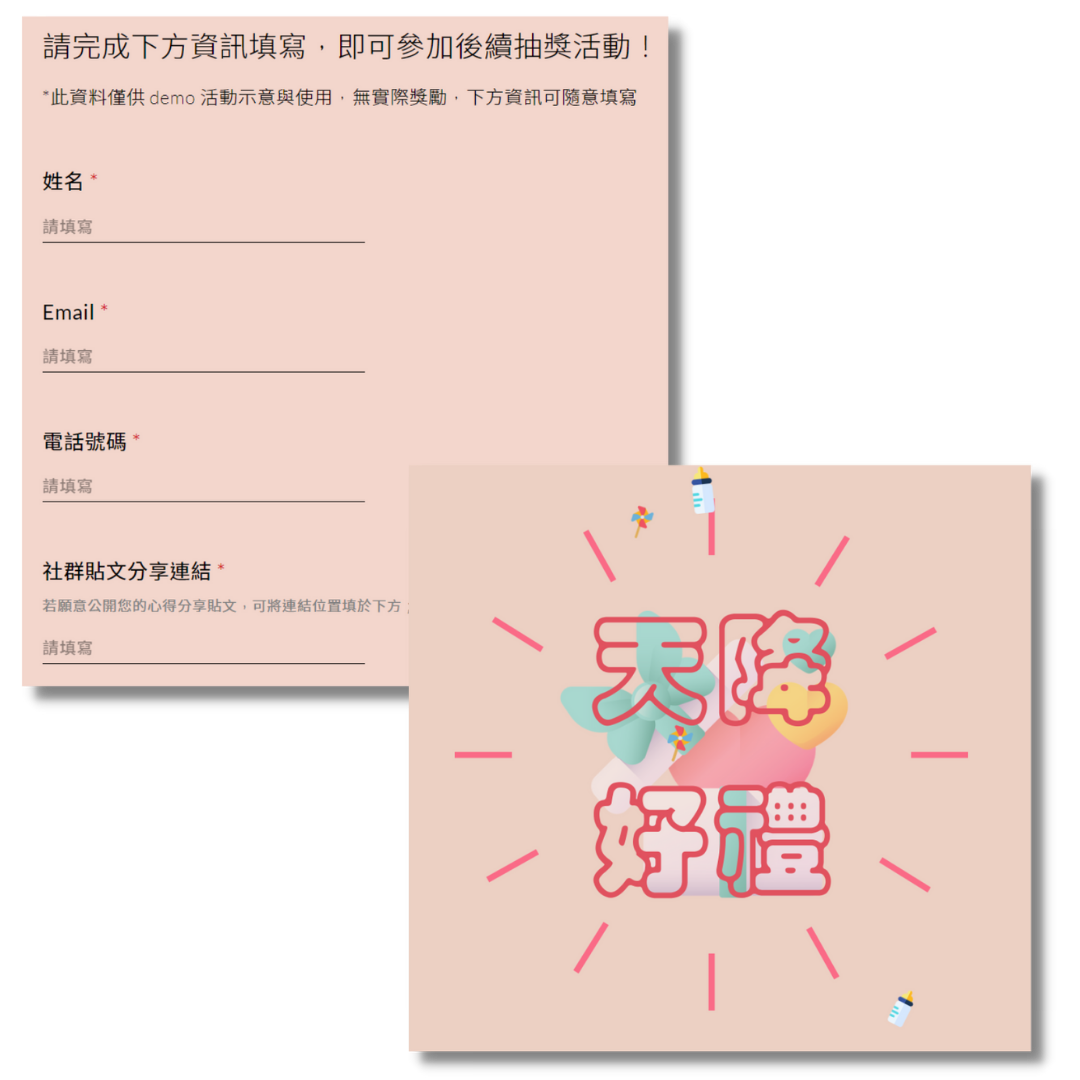
STEP 3. Winner Fills Out the Form, Then Gets the Prize Once You Confirm

Choose Feversocial and launch your campaign today
